1
3.7.1 Entering Repeater Mode
3.7.1 Entering Repeater Mode
Procedure Steps
1
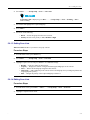
From the home screen, press Optns.
2
Select Repeater Mode.
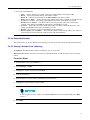
3.7.2 Setting Monitor Option
Procedure Steps
1
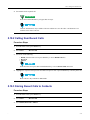
From the home screen, press Optns.
2
Press Monitor.
3
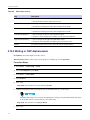
Select one of the following:
• Off — Your radio works as a repeater only, no operation is available.
• Receive Only — Allows you to listen.
• Receive & Transmit — Allows you to listen and transmit by pressing PTT.
3.8 Gateway Mode
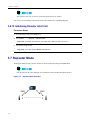
The Gateway Mode provides connectivity between radios operating in DMO Mode and the TETRA network, so that
the DMO radios can communicate with the TMO radios.
Figure 3-4
Gateway Mode Operation
TMO
TMO
DMO
This is a selling feature.
-
3-17