1
User Guide
VersaLink™ Gateway
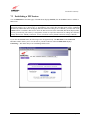
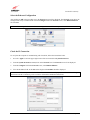
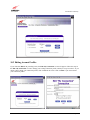
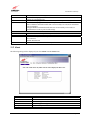
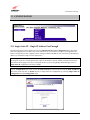
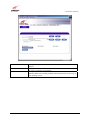
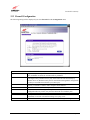
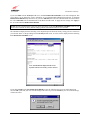
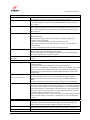
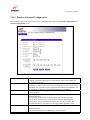
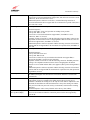
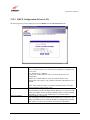
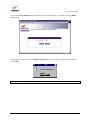
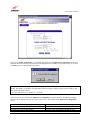
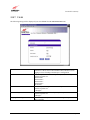
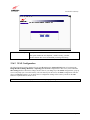
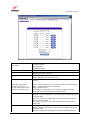
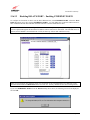
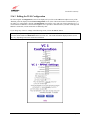
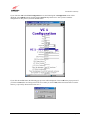
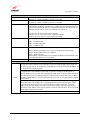
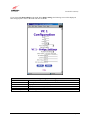
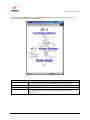
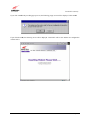
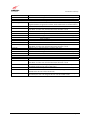
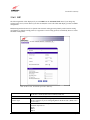
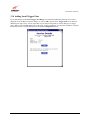
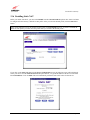
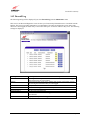
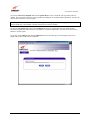
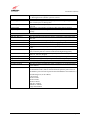
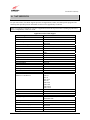
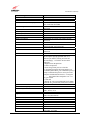
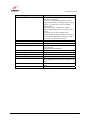
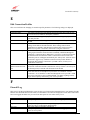
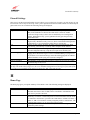
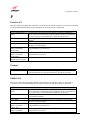
If you clicked on edit in the WAN Configuration screen, the following VC 1 Configuration screen will be
displayed. Select PPPoE from the options listed in Protocol drop-down arrow. After you have made the
configuration for this protocol, select the set VC button.
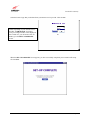
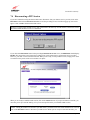
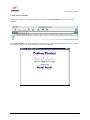
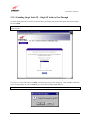
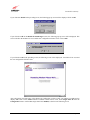
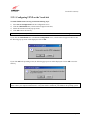
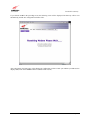
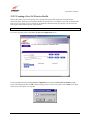
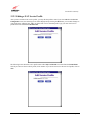
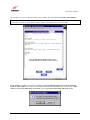
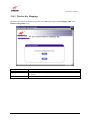
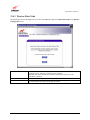
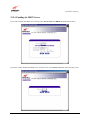
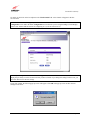
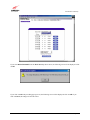
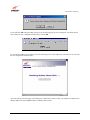
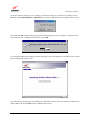
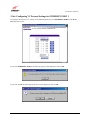
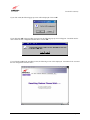
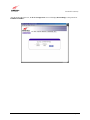
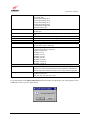
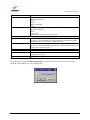
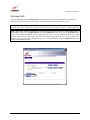
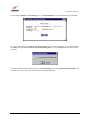
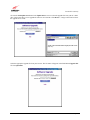
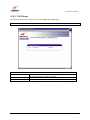
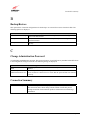
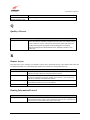
If you click the set VC button, the following pop-up screen will be displayed. Click on OK in the pop-up screen. If
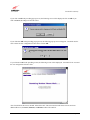
you click on Cancel, the new settings will not be saved. After you click on OK, follow the instructions to reset the
Gateway, as previously discussed in section 12.6.3.
030-300390 Rev. A
96
May 2004