1
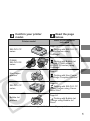
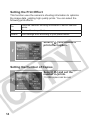
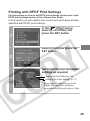
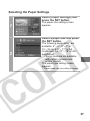
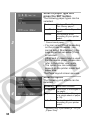
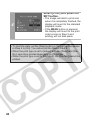
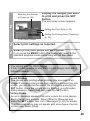
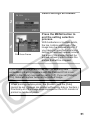
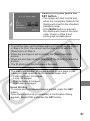
Select [Print] and press the
SET button.
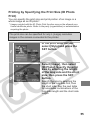
4
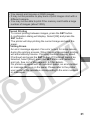
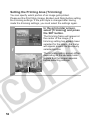
• The image will start to print and,
when it is completely finished, the
display will revert to the standard
playback mode.
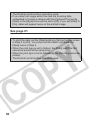
• If the MENU button is pressed,
the display will revert to the print
order screen in Step 2 and
printing will not take place.
• To print the date, set the [Date] setting in [Set up] on the screen
in Step 2 to [On]. You cannot set the date to print in Step 3.
• When the print type is set to [Index], the [Date] and [File No.]
cannot be printed at the same time.
• The ID photo print function cannot be used.
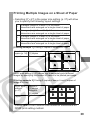
• The maximum number of images printed on one page in the
Index print type depends on the selected paper size.
• Credit card size: 20 images
• L size: 42 images
• Postcard size: 63 images
• Wide size: 84 images
26