1
Adobe Photoshop CS6
JavaScript Scripting Reference
JavaScript Object Reference
115
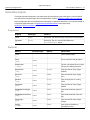
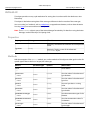
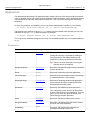
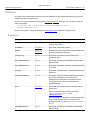
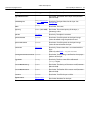
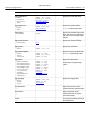
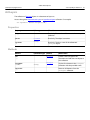
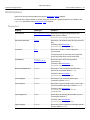
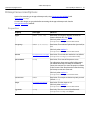
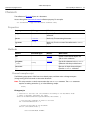
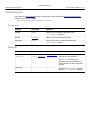
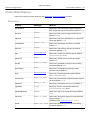
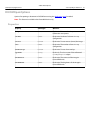
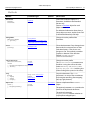
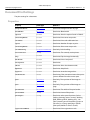
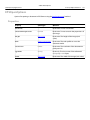
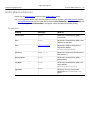
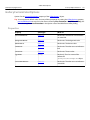
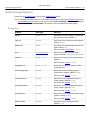
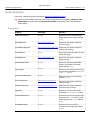
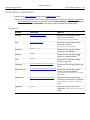
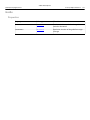
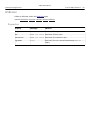
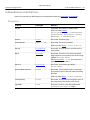
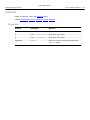
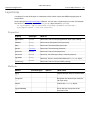
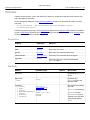
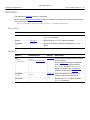
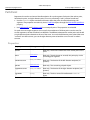
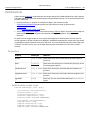
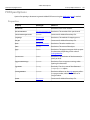
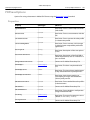
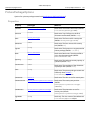
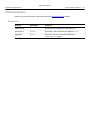
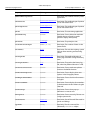
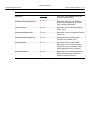
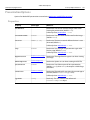
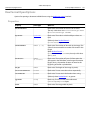
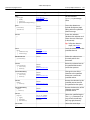
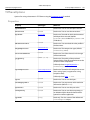
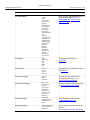
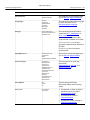
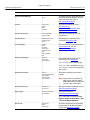
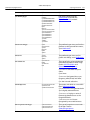
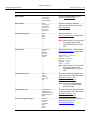
GalleryThumbnailOptions
Options for the thumbnailOptions property of the GalleryOptions object.
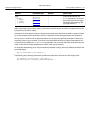
Tip: You can preserve default values for many of these properties by setting the GalleryOptions property
preserveAllMetadata to true; this is the same as choosing File > Automate > Web Photo Gallery, and
then choosing Preserve all metadata in the Options area of the Web Photo Gallery dialog.
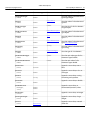
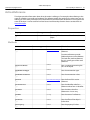
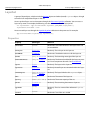
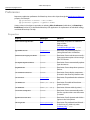
Properties
Property
Value type
What it is
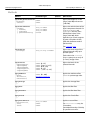
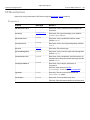
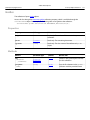
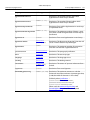
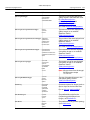
border
number [0..99]
Read-write. The amount of border pixels you
want around your thumbnail images (default:
0).
caption
boolean
Read-write. True if there is a caption (default:
false).
columnCount
number
Read-write. The number of columns on the
page (default: 5).
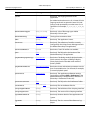
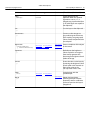
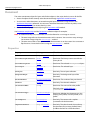
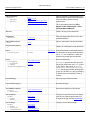
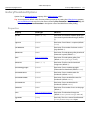
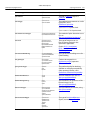
dimension
number
Read-write. The web photo gallery thumbnail
dimension in pixels (default: 75).
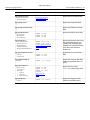
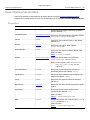
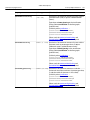
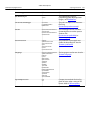
font
GalleryFontType
Read-write. The web photo gallery font
(default: GalleryFontType.ARIAL).
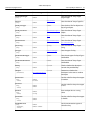
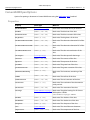
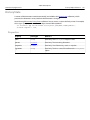
fontSize
number [1..7]
Read-write. The font size for thumbnail
images text (default: 3).
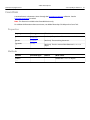
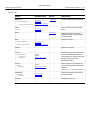
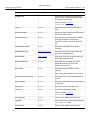
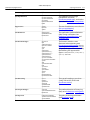
includeCopyright
boolean
Read-write. True to include copyright
information for thumbnails (default: false).
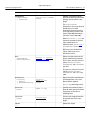
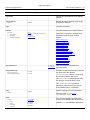
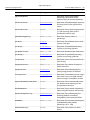
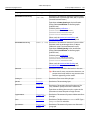
includeCredits
boolean
Read-write. True to include credits for
thumbnails (default: false).
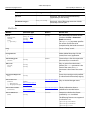
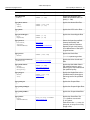
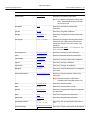
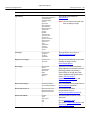
includeFilename
boolean
Read-write. True to include file names for
thumbnails (default: false).
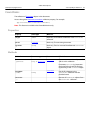
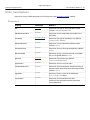
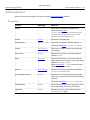
includeTitle
boolean
Read-write. True to include titles for
thumbnails (default: false).
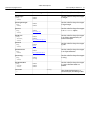
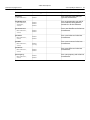
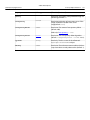
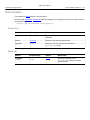
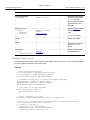
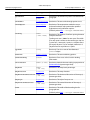
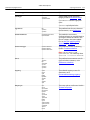
rowCount
number
Read-write. The number of rows on the page
(default: 3).
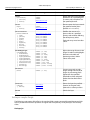
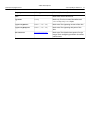
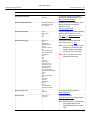
size
GalleryThumbSizeType
Read-write. The thumbnail image size
(default: GalleryThumbSizeType.MEDIUM).
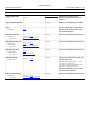
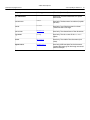
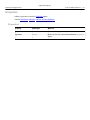
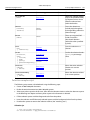
typename
string
Read-only. The class name of the referenced
GalleryThumbnailOptions object.