1
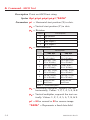
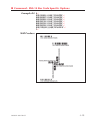
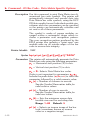
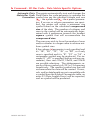
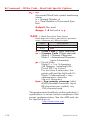
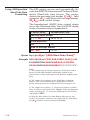
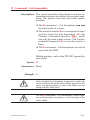
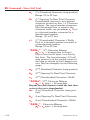
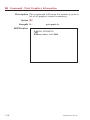
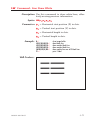
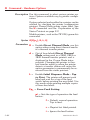
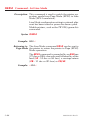
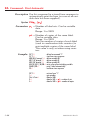
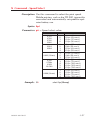
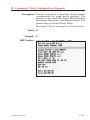
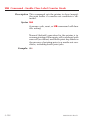
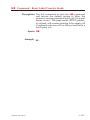
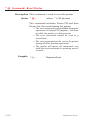
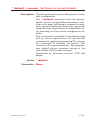
oW Command - Customize Bar Code Parameters
Reset the printer with a ^@ or o commands
with flash firmware printers or cycle printer
power to clear the oW command and return the
printer to normal operation. See page C-74 for
important details on the effects of using the o
command.
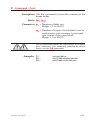
The B command parameters p5 & p6 must be
set to 0 to use bar codes customized with this
command.
The oW command has been tested for parameter
functionality for Bar Code 39 only. The oW command may also function with Codabar and Interleaved 2 of 5 bar code, but they have not been
functionally verified for this command.
Zebra Technologies Corporation does not warrant,
support, or endorse the use of bar codes generated
by the printer after a oW command has been issued.
Zebra Technologies Corporation does not support
this feature other than with the information supplied
in this document.
980352-001 Rev.D
3-83