1
Information resources for the CP60 Card Printer
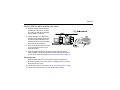
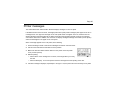
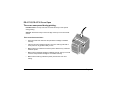
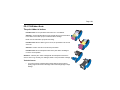
CP60 Quick
Install Guide
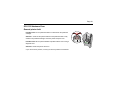
The Quick Install Guide, packed at the top of the printer
carton, shows you the steps to install the printer.
For detailed installation information, see e-Guide/
InfoCent.chm on the driver CD-ROM.
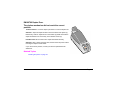
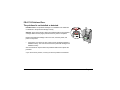
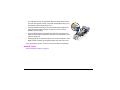
CP60 Printer
Guide
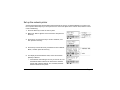
The Printer Guide (this document) contains operating
information for the printer. It also tells you how install
the printer.
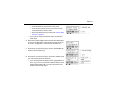
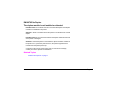
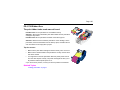
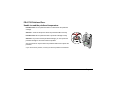
Info Central
For in-depth information about using the printer, install
Info Central on a Windows PC, then click the icon on
the desktop. (Insert the Card Printer CD-ROM and
choose User Information to install Info Central.)
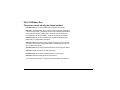
Describes how to set up the printer and your data
stream to use the Open Card data format.
Find the Guide on the Open Card CD-ROM, shipped
only with the Open Card option.
Data
Formatting
Guide
For help with questions not addressed by other CP Series printer information, contact your dealer.
Dealer
Customer Care Contact the Datacard Customer Care Center at 1.800.328.3996 (U.S. & Canada) or 1.952.988.2316
(worldwide).