1
Chapter 10: MUVPN Clients
Monitoring the MUVPN Client Connection
The Log Viewer and the Connection Monitor are installed with the
MUVPN client. These tools can be used to monitor the MUVPN
connection and to diagnose problems that may occur.
Using the Log Viewer
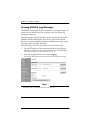
The Log Viewer displays the communications log. This log shows
the events that occurred during the connection of the MUVPN
tunnel.
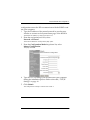
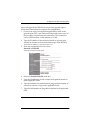
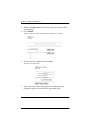
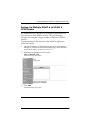
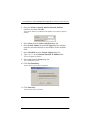
From the Windows desktop system tray:
1
2
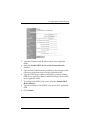
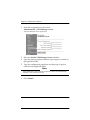
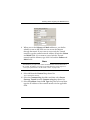
Right-click the Mobile User VPN client icon.
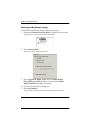
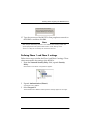
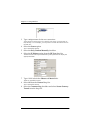
Select Log Viewer.
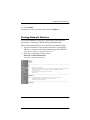
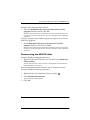
The Log Viewer window appears.
Using the Connection Monitor
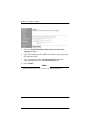
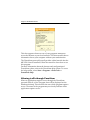
The Connection Monitor displays statistical and diagnostic
information for each active connection in the security policy. This
display shows the security policy settings and the security
association (SA) information. The displayed information is
determined during the phase 1 IKE negotiations and the phase 2
IPSec negotiations.
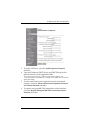
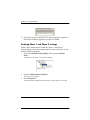
From the Windows desktop system tray:
1
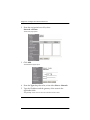
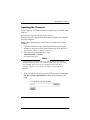
Right-click the Mobile User VPN client icon.
2
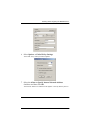
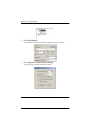
Select Connection Monitor.
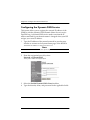
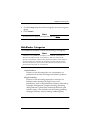
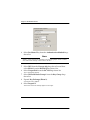
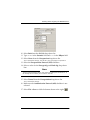
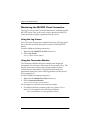
The Connection Monitor window appears.
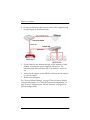
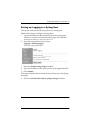
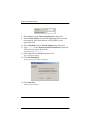
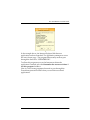
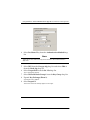
An icon appears to the left of the connection name:
• SA indicates that the connection only has a phase 1 SA. A
phase 1 SA is assigned in the following situations:
- for a connection to a secure gateway tunnel
138
WatchGuard Firebox SOHO 6