1
Using the Optional Port Replicator (may not be
available in some countries)
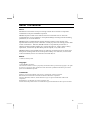
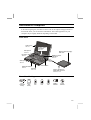
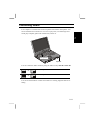
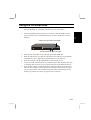
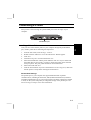
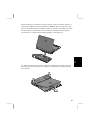
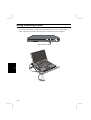
The optional port replicator (model CE-DS02) provides a convenient “parking
place” for your computer on your desktop or working area. It duplicates the ports on
the rear edge of your computer and adds extra ports as well. You can leave
peripheral devices permanently connected to the port replicator. When you dock
your computer to the replicator, all the devices are instantly available.
About the Port Replicator
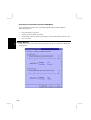
The port replicator is a plug and play device. It supports cold and warm docking.
Cold docking means that you must turn off your computer before docking it to the
port replicator. Warm docking means that you must suspend your computer (press
the hot keys Fn+F12) before docking it to the port replicator. When you restart or
resume your computer, Windows will automatically configure the devices that are
connected to the replicator and automatically assign resources as they are required.
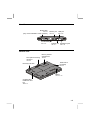
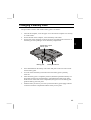
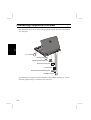
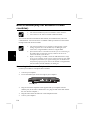
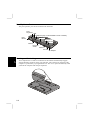
Speakers
6
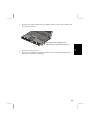
Disconnect
button
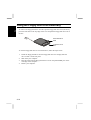
Guide pin
Disconnect
button
Docking
connector
Guide pin
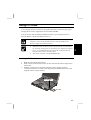
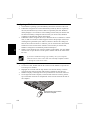
Disconnect
lever
6-5