1
Wireless RouterRNX-EasyN400
User Manual
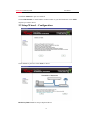
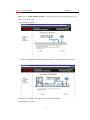
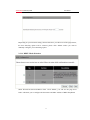
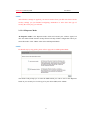
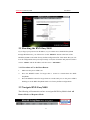
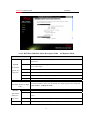
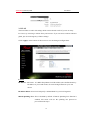
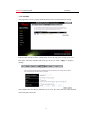
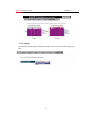
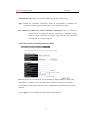
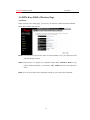
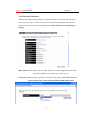
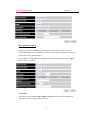
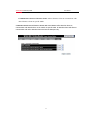
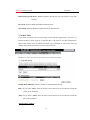
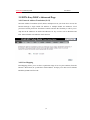
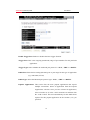
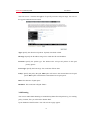
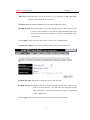
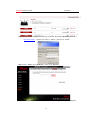
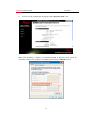
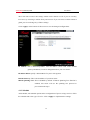
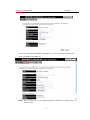
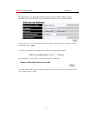
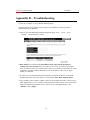
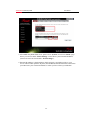
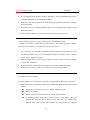
Below is the example page, if you select the highest security to be your RNX-EasyN400
Connecting option.
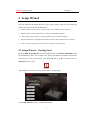
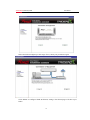
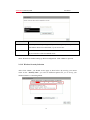
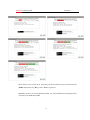
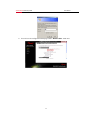
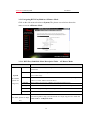
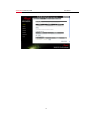
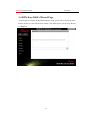
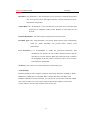
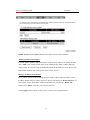
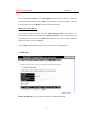
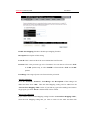
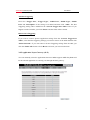
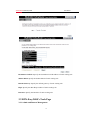
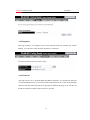
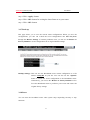
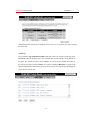
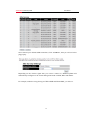
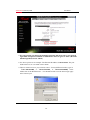
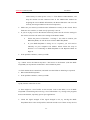
To apply the entire configuration, click <Reboot>.
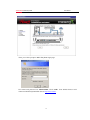
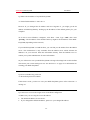
You will see the below count down when <Reboot> clicked.
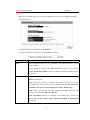
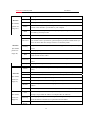
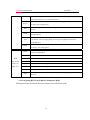
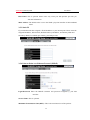
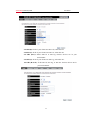
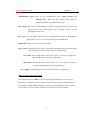
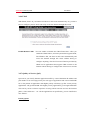
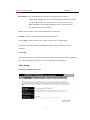
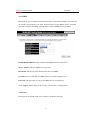
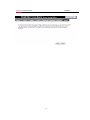
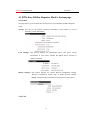
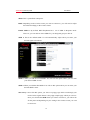
LABEL
DESCRIPTION
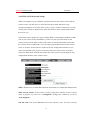
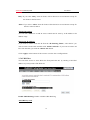
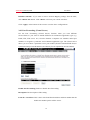
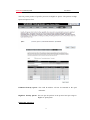
SSID
Enter a descriptive name (up to 32 printable 7-bit ASCII characters) for the
wireless LAN.
If you change this field on the RNX-EasyN400, make sure all wireless
stations use the same SSID in order to connect to RNX-EasyN400 to access
the network.
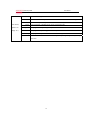
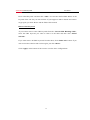
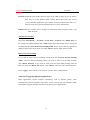
Key
Based on selected Security Level, you will have None, WEP, WPA, and
WPA2 to select from.
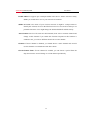
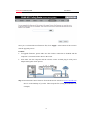
None: Choose this to have no wireless LAN security configured. If you do
not enable any wireless security on your RNX-EasyN400, your network is
accessible to any wireless networking device that is within range.
WEP: WEP is the original wireless encryption standard which has less
security level compare to WPA and WPA2.
WPA and WPA2: Security to configure a Pre-Shared Key. Choose this
option only if your wireless clients support WPAPSK or WPA2-PSK
respectively.
20