1
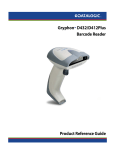
GRYPHON™ D432/D432E
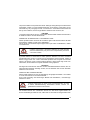
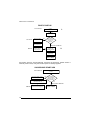
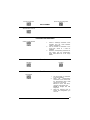
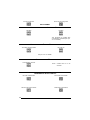
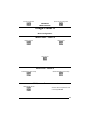
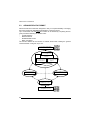
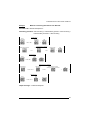
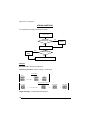
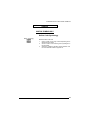
FIRST START-UP
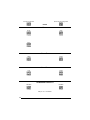
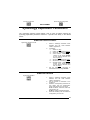
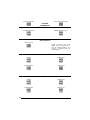
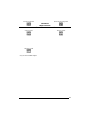
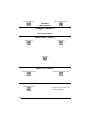
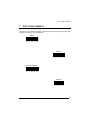
Green LED blinks
Connect
Gryphon™ D432/D432E to Host
1.
Load drivers
(if requested)
Green LED off
Disconnect reader
at Host
YES
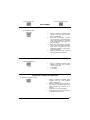
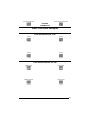
Connect external
power supply to
cable and power up
BEEP OK
Does a dialog
box appear
warning that Bus
power is not
sufficient?
NO
Green LED off - BEEP OK
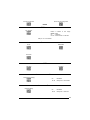
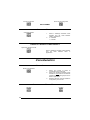
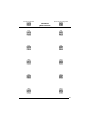
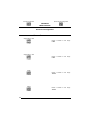
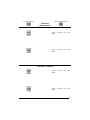
Select desired USB
interface code
(USB-KBD is default)
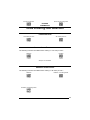
Reconnect reader
cable to Host and
close dialog box
2.
Load drivers
(if requested)
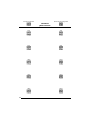
Read test codes.
Reader is READY
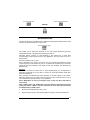
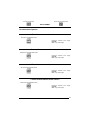
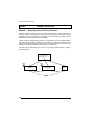
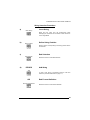
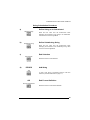
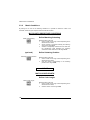
Successive start-ups will automatically recognize the previously loaded drivers. If
external power is used, verify that external power is already supplied.
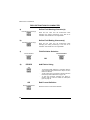
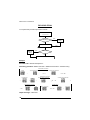
SUCCESSIVE START-UPS
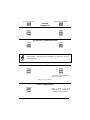
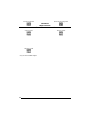
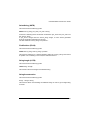
Green LED blinks
Disconnect reader at Host
Connect Gryphon™ D432/D432E
to Host
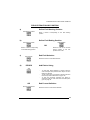
YES
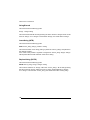
Connect external power supply to
cable and power up
Does a dialog box
appear warning
that Bus power is
not sufficient?
NO
Green LED off - BEEP OK
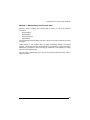
BEEP OK
14
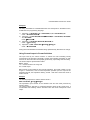
Reconnect reader cable to
Host and close dialog box
Read test codes.
Reader is READY