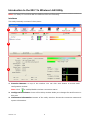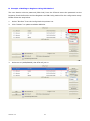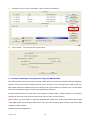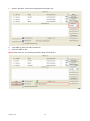
1
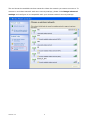
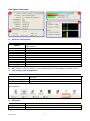
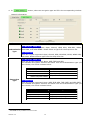
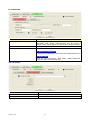
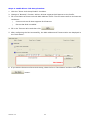
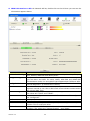
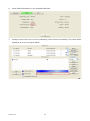
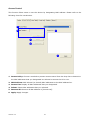
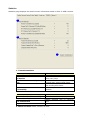
Link Status Information
A
C
D
B
A.
Network Information:
Items
Status
Extra Info
Channel
Authentication
Encryption
Network Type
IP Address
Sub Mask
Default Gateway
Link Speed
Throughput
Information
Show the connecting status. Also shows the SSID while connecting to a
valid network.
Display link status in use.
Display current channel in use.
Authentication mode in use.
Encryption type in use.
Network type in use.
IP address of current connection.
Subnet mask of current connection.
Default gateway of current connection.
Show current transmit rate and receive rate.
Display transmit and receive throughput in Mbps.
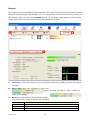
B.
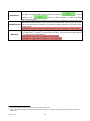
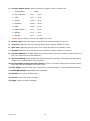
HT: Display current HT status in use, containing BW, GI, MCS, SNR0, and SNR1 value.
C.
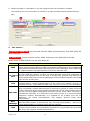
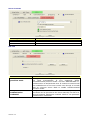
Link Quality and Strength Bar:
Items
Link Quality
Signal Strength 1
Noise Strength
Information
Display connection quality based on signal strength and TX/RX packet
error rate.
Receive signal strength 1.
Display noise signal strength.
User can choose to display Signal and Noise Strength as percentage or dBm format by mark the
dBm checkbox.
D.
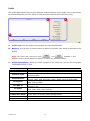
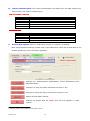
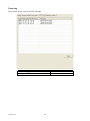
Statistics:
Items
Link Speed
Throughput
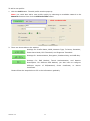
Version: 2.0
Information
Show current transmit rate and receive rate.
Display transmit and receive throughput in Mbps.
9