1
2-3-2
English
Measurement
Activity: Operating the Equipment
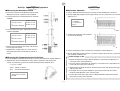
쐽 Measuring Data
쐽 Calculator Operation
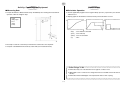
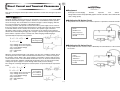
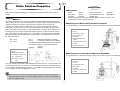
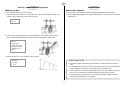
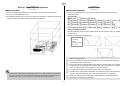
u Prepare the Distance Measurement Setup. Immediately after starting the measurement
operation, allow the weight to drop.
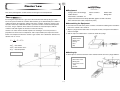
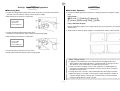
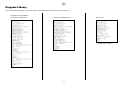
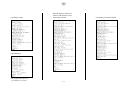
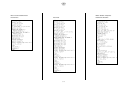
u Find the applicable program in the Program Library (P.2-16-1), input it into your calculator,
and then run it.
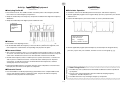
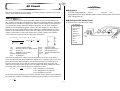
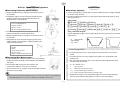
u Display graphs for the distance traveled, velocity, and acceleration of Cart 1.
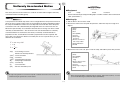
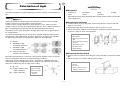
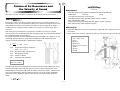
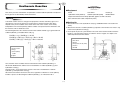
1 Hand
2 500g weight
3 Floor
4 String
5 Pulley
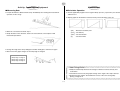
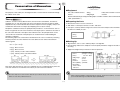
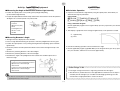
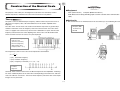
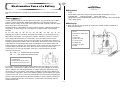
L (m) : Cart 1 Distance Traveled
v(m/s) : Cart 1 Velocity
a(m/s2) : Cart 1 Acceleration
t (s)
: Time
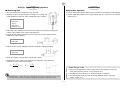
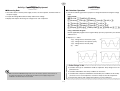
u Be ready to catch the carts with your hands if the cushion does not stop them.
u Compare calculated theoretical velocity values with your measured velocity.
u Think about why Cart 1 Acceleration never registers a value of zero.
55555
55555
Other Things To Do
55555555555555555555555
u Add weight to Cart 1 and Cart 2 to change their masses and find out how this affects
velocity.
u Think about what would happen if we replaced the Velcro쑓 with a spring.
5555555555555555555555
20020601