1
Home Page
DCS COMPACT
TECHNICAL MANUAL
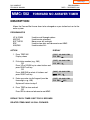
MMC: 110
PROGRAMMING
PART 2 APRIL 2002
KEYSET ON/OFF
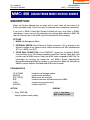
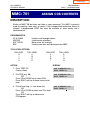
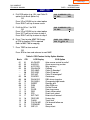
DESCRIPTION:
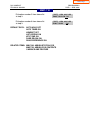
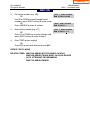
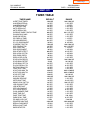
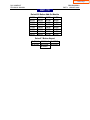
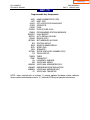
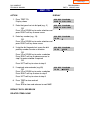
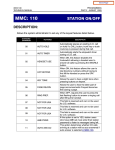
Allows the system administrator to set any of the keyset features listed below.
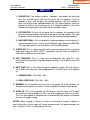
1.
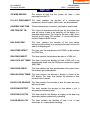
AME PSWD
If this option is set to YES, station users who have AME set
must enter their station password to listen to messages
being left.
2.
AUTO HOLD
Automatically places an existing C.O. call on hold if a CALL
button, trunk key or trunk route key is pressed during that
call.
3.
AUTO TIMER
Automatically starts the stopwatch timer during a C.O. call.
4.
HEADSET USE
When on, this feature disables the hook switch allowing a
headset user to answer all calls by pressing the ANS/RLS
button.
5.
HOT KEYPAD
When on, this feature allows the user to dial directory
numbers without having to first lift the handset or press the
SPK button.
6.
KEY TONE
Allows the user to hear a slight tone when pressing buttons
on their set.
7.
PAGE REJOIN
Allows the user to hear the latter part of page announcements if his keyset becomes free during a page.
8.
RING PREF.
When off, requires the user to press the fast flashing button
to answer a ringing call after lifting the handset.
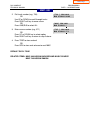
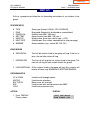
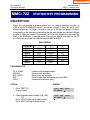
PROGRAM KEYS
UP & DOWN
KEYPAD
SOFT KEYS
SPK
HOLD
ANS/RLS
Used to scroll through options
Used to enter selections
Move cursor left and right
Used to store data and advance to next MMC
Used to clear previous entry
Used to select ALL