1
FO-P610HK_EN_T-CHINESE_Q4405
inbu.fm
Page 1
Tuesday, December 23, 2003
11:11 AM
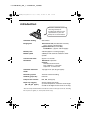
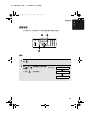
簡介
感謝您選購Sharp傳真機!
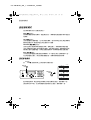
以㆘所示為您的新型Sharp
傳真機的功能與規格。
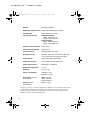
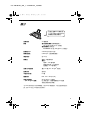
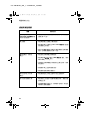
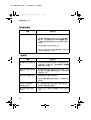
㉂動撥號
個號碼
膠卷
首次使用的膠卷傳真機隨附:
米約張$尺寸頁面
替換用膠卷未附送:
)2&5米約張$尺寸頁面
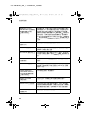
記憶體大小
.%平均約頁
解調器速度
ESV,㉂動調降速度。
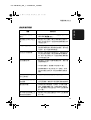
傳送時間
約秒
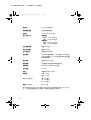
解像度
㈬平:像素亳米
垂直:
標準:線亳米
細緻半色調:線亳米
超細緻:線亳米
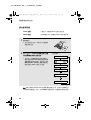
㉂動文件送紙器
最多頁$,JP紙張
記錄系統
感熱式
半色調灰度
級
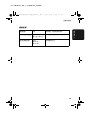
壓縮模式
05、0+、6KDUS+
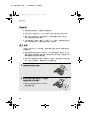
供紙托架容量
JP紙張
約張$尺寸紙張
正常室溫㆘;紙張堆疊高度不可超過
供紙托架標示的界線
在6KDUS㈵殊模式㆘以標準解像度¸基於6KDUS標准圖表¸不包括通訊規程信號¸
如¸僅,787相位&時間所需的時間。