1
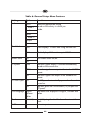
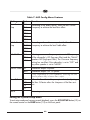
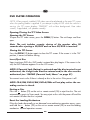
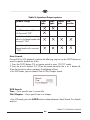
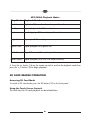
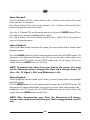
MP3/WMA Playback Modes
Play Mode
Playback Details
Disc Normal
Playback all files on the disc and stop at the end.
Disc Repeat
Repeat playback of all files on the disc.
Random
Randomly play all files and stop at the end.
Single Track
Play a specific file and stop.
Repeat Track
Repeat playback of a specific file.
Folder Normal Play all files in a folder and stop at the end.
Folder Repeat
Repeat playback of all files in a folder/directory.
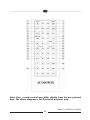
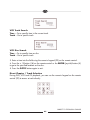
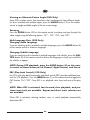
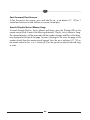
4. Press the button (14) on the remote control to confirm the playback mode then
press the /II button (18) to begin playback.
SD CARD READER OPERATION
Accessing SD Card Mode
To switch to SD card mode, press the SD button (19) on the front panel.
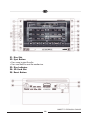
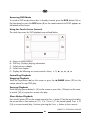
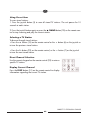
Using the Touch-Screen Controls
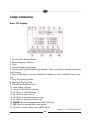
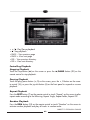
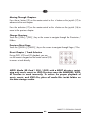
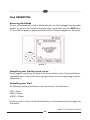
The touch keys for SD card playback are described below.
61