1
Monitoring and Controlling
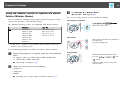
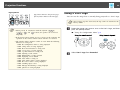
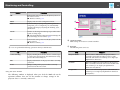
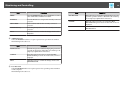
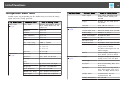
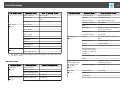
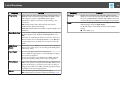
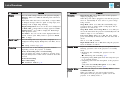
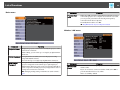
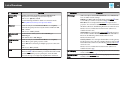
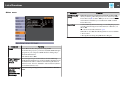
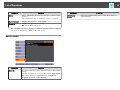
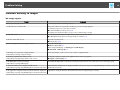
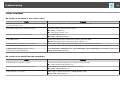
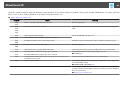
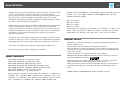
Items in the Configuration menu that cannot be set by a Web browser
• Settings menu - Keystone - Quick Corner
• Settings Menu - Pointer Shape
• Settings Menu - Pattern
• Settings Menu - User Button
• Extended Menu - User's Logo
• Extended Menu - Language
• Extended Menu - Operation - High Altitude Mode
• Extended Menu - Operation - Lens Cover Timer
• Reset Menu - Reset All and Reset Lamp Hours
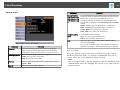
The settings for items on each menu are the same as the projector's
Configuration menu.
s "Configuration Menu" p.73
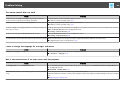
Items that can only be set with a Web browser
• SNMP Community Name
• Monitor Password
64
b
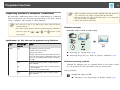
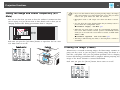
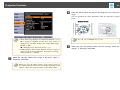
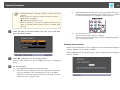
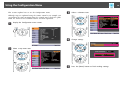
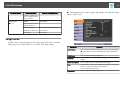
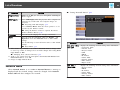
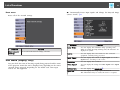
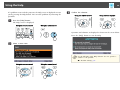
Enter the IP address of the projector in the address input box of
the Web browser, and press the Enter key on the computer's
keyboard.
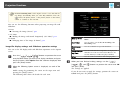
The Web Control screen is displayed.
When Web Control Password is set in the Network menu from the
projector's Configuration menu, the password entry screen is
displayed.
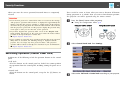
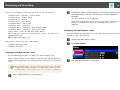
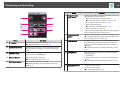
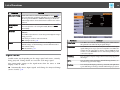
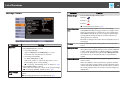
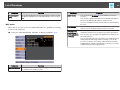
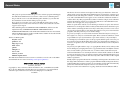
Displaying the Web Remote screen
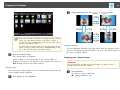
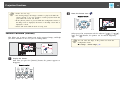
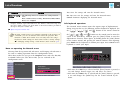
The Web Remote function allows you to perform projector remote control
operations with a Web browser.
a
b
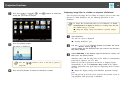
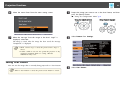
Display the Web Control screen.
c
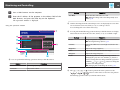
The Web Remote screen is displayed.
Click Web Remote.
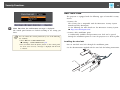
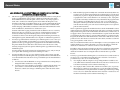
Displaying the Web Control screen
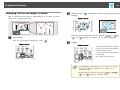
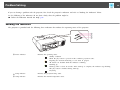
Use the following procedure to display the Web Control screen.
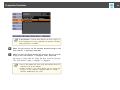
Make network settings on the computer and projector and put them into
network connection status. Use Advanced when connecting via a Wireless
LAN.
a
a
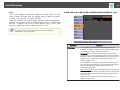
If your Web browser is set up to connect via a proxy server, the Web
Control screen cannot be displayed. To display Web Control, you need
to make settings so that a proxy server is not used for a connection.
Start a Web browser on the computer.