1
•
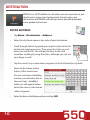
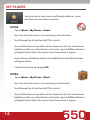
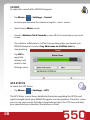
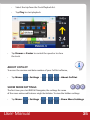
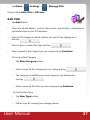
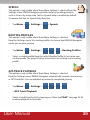
Tap Menu >
> Settings >
> Manage POIs
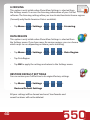
Choose either Edit POIs or POI Sets
Edit POIs
•
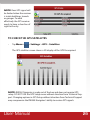
Tap Add button.
•
Choose to add an address, contact, intersection, map location, coordinates or
a photo location to your POI database
•
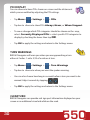
Select a POI category in which to place you new POI by tapping on it
and tap
•
Select a Type or create New Type and tap
•
Enter a name for the category you are saving and tap Continue
To Create a New Category
•
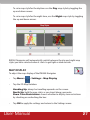
Tap New Category button.
•
Enter a name for the category you are saving and tap
•
Tap image you would like your new category to be displayed as
and tap
•
Enter a name for the Place you are saving and tap Continue
To Create a New Type
•
Tap New Type button.
•
Follow steps for creating new category above.
User Manual
37