1
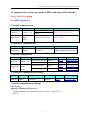
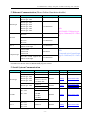
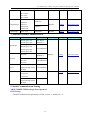
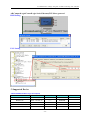
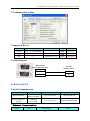
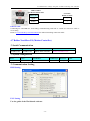
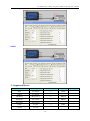
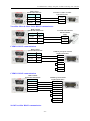
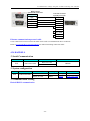
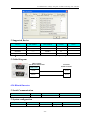
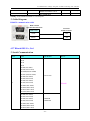
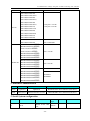
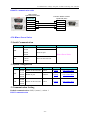
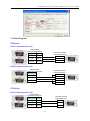
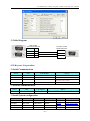
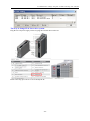
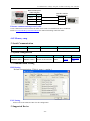
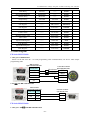
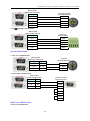
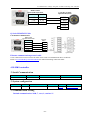
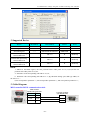
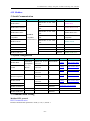
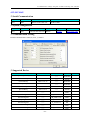
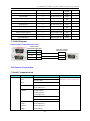
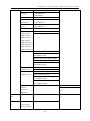
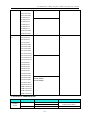
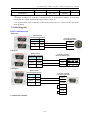
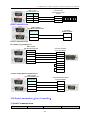
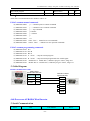
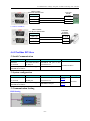
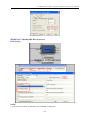
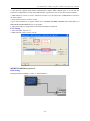
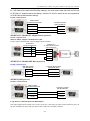
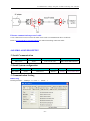
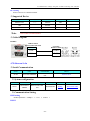
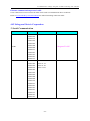
4 Communication settings and guide of HMI connecting with controller
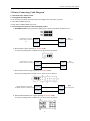
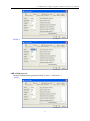
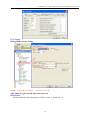
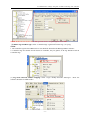
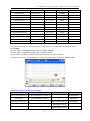
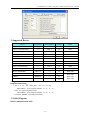
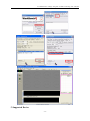
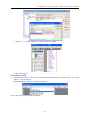
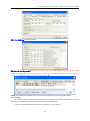
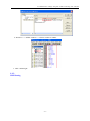
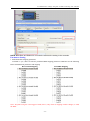
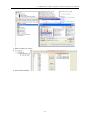
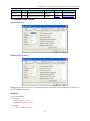
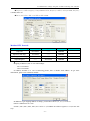
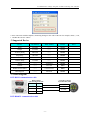
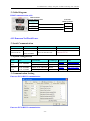
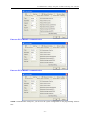
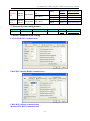
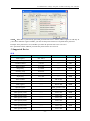
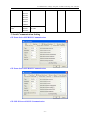
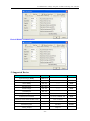
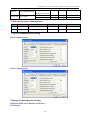
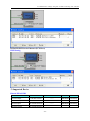
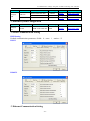
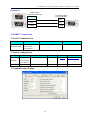
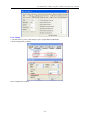
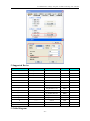
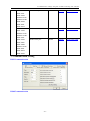
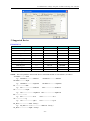
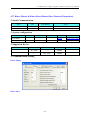
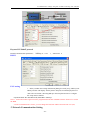
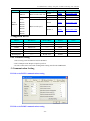
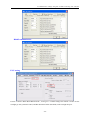
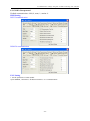
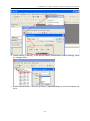
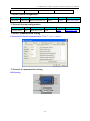
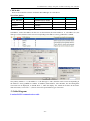
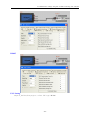
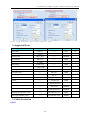
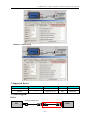
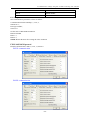
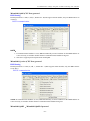
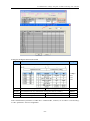
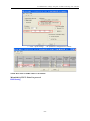
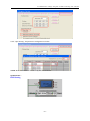
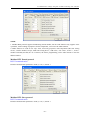
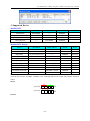
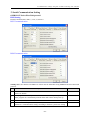
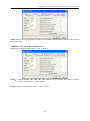
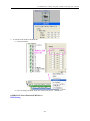
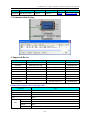
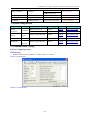
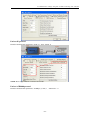
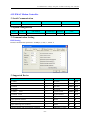
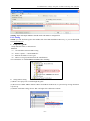
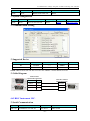
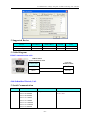
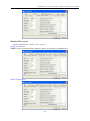
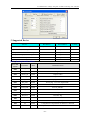
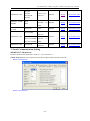
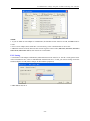
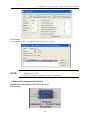
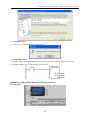
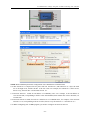
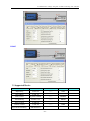
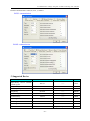
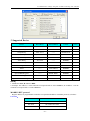
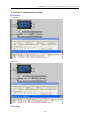
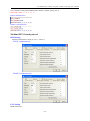
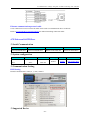
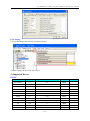
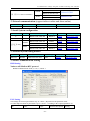
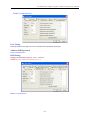
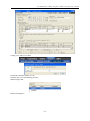
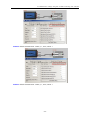
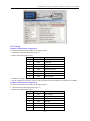
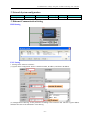
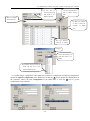
"1"; [Group number] range is 0-32, select "0"; [station number] range 1-64, 1 occupied by the computer
side, can be set to 2-64, the example is set to "2" ; [Model] Select "online". Next, click [operation], set the
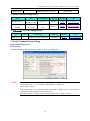
IP address of the dialog box pops up, in part by the network to determine the first three, the fourth part of
the free use of the network number. One thing to note is that the figure of [the initial time setting] to choose
"Always wait to open" (stop when communication), or Ethernet port is not open external device. Click [end
set] button to save the settings.
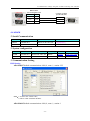
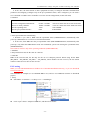
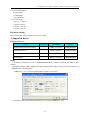
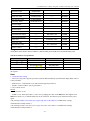
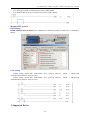
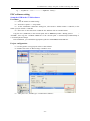
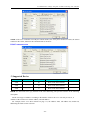
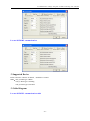
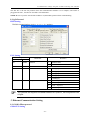
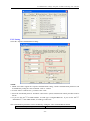
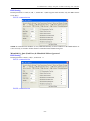
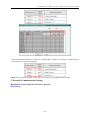
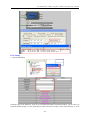
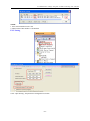
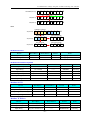
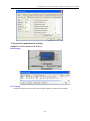
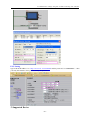
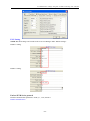
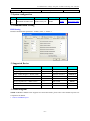
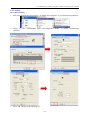
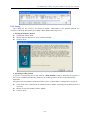
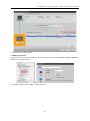
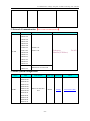
2. Operational settings
3. Open settings
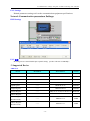
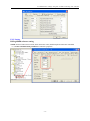
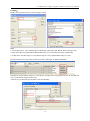
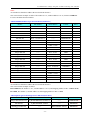
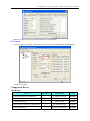
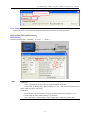
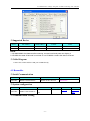
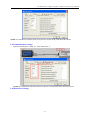
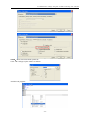
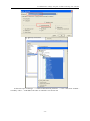
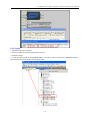
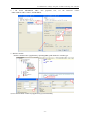
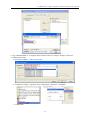
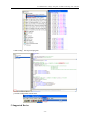
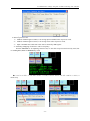
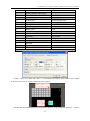
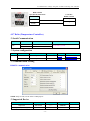
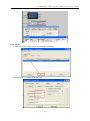
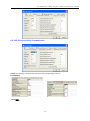
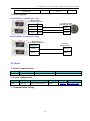
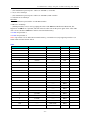
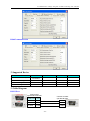
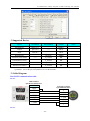
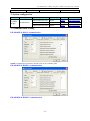
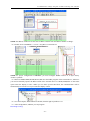
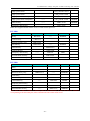
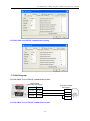
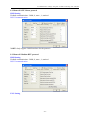
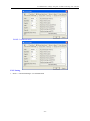
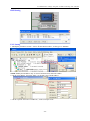
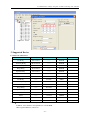
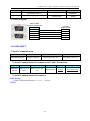
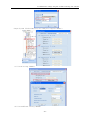
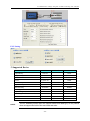
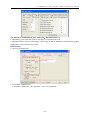
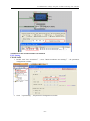
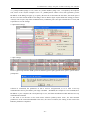
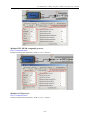
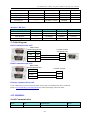
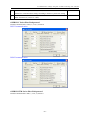
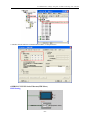
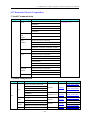
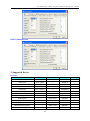
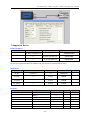
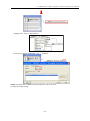
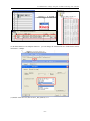
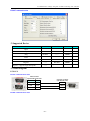
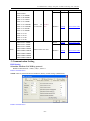
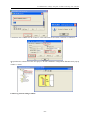
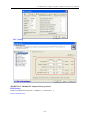
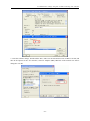
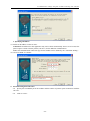
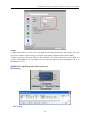
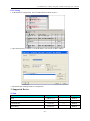
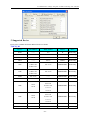
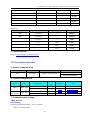
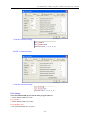
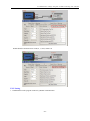
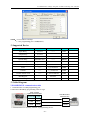
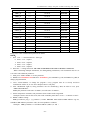
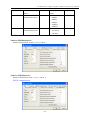
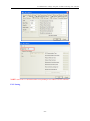
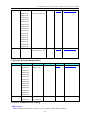
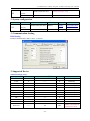
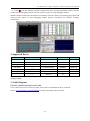
In line 1 [protocol] selection "UDP" protocol; and that [open in pairs] option select "pairs", system will be
prompted to
selection is confirmed, the parameters of line 2 will be self-generated, so as to form a two-way
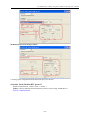
communication. PLC's port and PC port range is & H401 - & HFFFF, the example is set to & H1000, PC's
IP address is your computer's IP. Click [End set] to save, and form an Ethernet module and host two-way
communication channel.
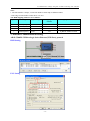
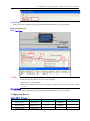
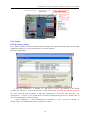
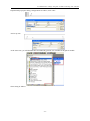
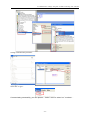
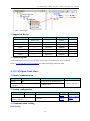
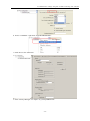
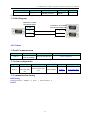
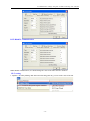
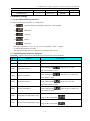
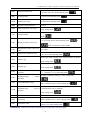
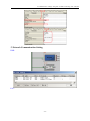
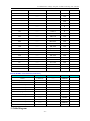
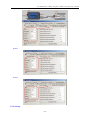
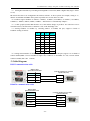
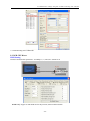
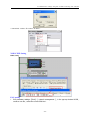
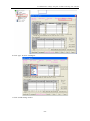
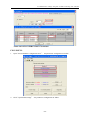
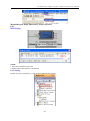
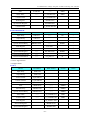
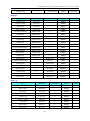
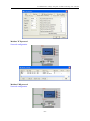
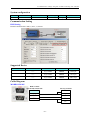
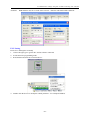
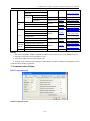
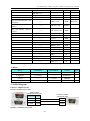
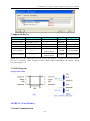
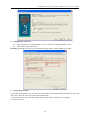
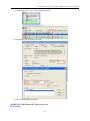
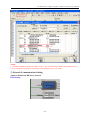
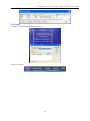
4. Just write to set the PLC in the main menu selection [online]->"PLC write", the "PLC/network
parameters" in the content downloaded to the PLC, the correct execution, the writing on the work of the
Ethernet parameters completed.
- 211 -