1
Using the Features
Changing the
Picture Size
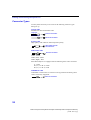
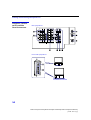
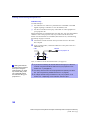
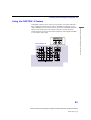
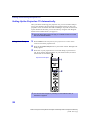
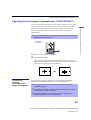
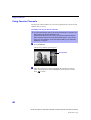
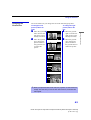
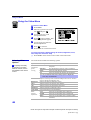
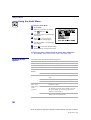
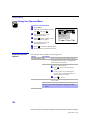
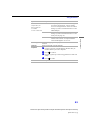
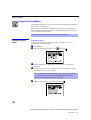
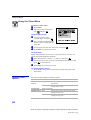
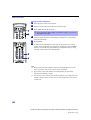
The zoom feature lets you change the size of the left and right pictures.
To enlarge the right
picture (reduce the
left)
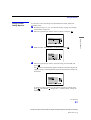
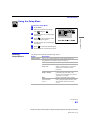
1
Move the joystick
left to activate the
left picture (if not
already activated).
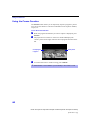
1
Move the joystick
right to activate the
right picture (if not
already activated).
2
Move the joystick
up to enlarge the
picture and move
the joystick down
to reduce the
picture.
2
Move the joystick
up to enlarge the
picture and move
the joystick down to
reduce the picture.
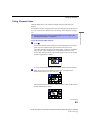
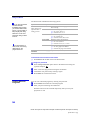
✍ When you adjust the twin screen sizes, the projection TV memorizes the
change. The next time you use the Twin View function, the memorized
sizes appear.
43
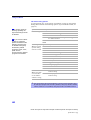
Model name1[KP-43HT20] Model name2[KP-53HS20/30] Model name3[KP-61HS20/30]
[4-081-143-11 (1)]
Using the Features
To enlarge the left
picture (reduce the
right)