1
7.
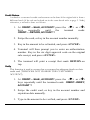
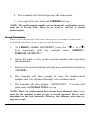
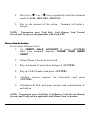
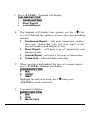
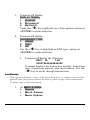
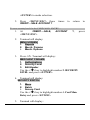
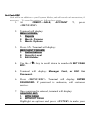
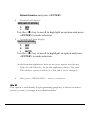
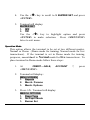
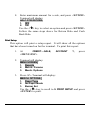
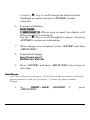
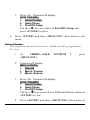
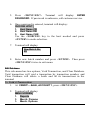
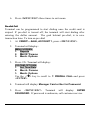
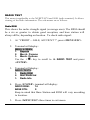
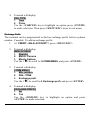
Type in the correct working key, and press <ENTER>.
Then press <MENU/ESC> twice to exit menu.
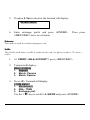
Select Master Key
This changes the Master key location (access to this menu is not
available without a PIN pad). Again, this is a field that should only be
changed if instructed by customer service. To do so, follow these
steps:
1.
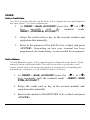
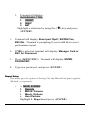
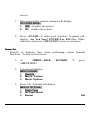
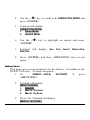
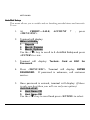
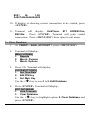
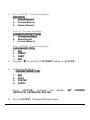
At CREDIT.....SALE, ACCOUNT ?, press <MENU/ESC>
2.
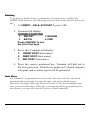
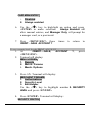
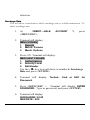
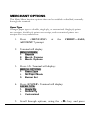
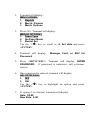
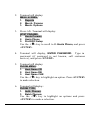
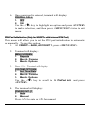
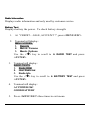
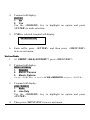
Terminal will display:
3.
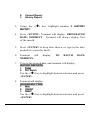
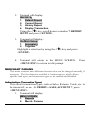
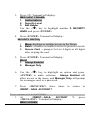
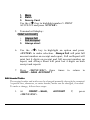
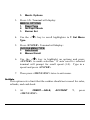
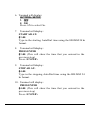
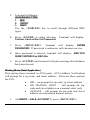
Press <5>. Terminal will display:
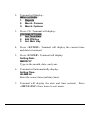
MENU SCREEN:
1. Reports
2. Merch. Params
3. Merch. Options
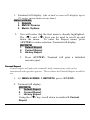
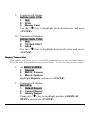
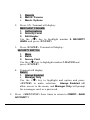
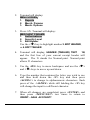
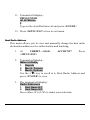
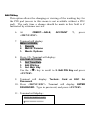
SYSTEM OPTIONS:
1. Set Time/Date
2. Edit PIN Key
3. Sel. Mstr Key
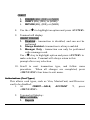
Use the <ê
ê > key to highlight 3. Sel. Mstr Key and press
<ENTER>.
4.
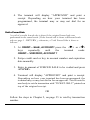
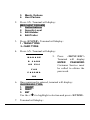
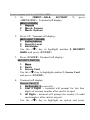
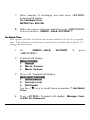
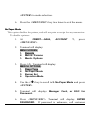
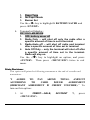
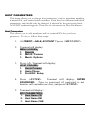
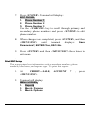
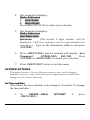
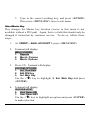
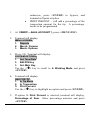
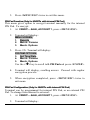
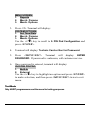
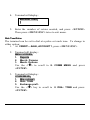
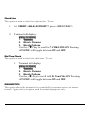
Terminal will display:
CHOOSE HOST:
6. Host Name DB
7. Host Name EBT
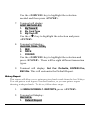
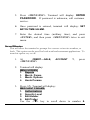
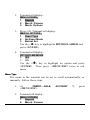
Use the <ê
ê > key to highlight an option and press <ENTER>
to make selection.