1
Maintenance
2.
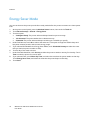
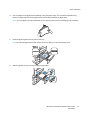
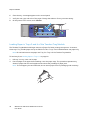
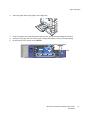
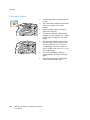
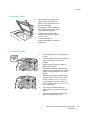
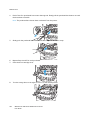
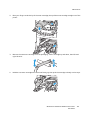
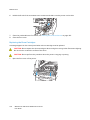
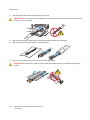
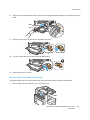
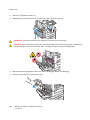
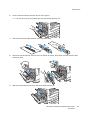
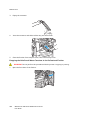
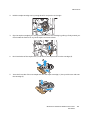
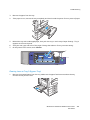
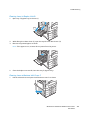
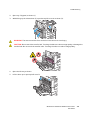
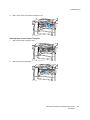
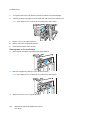
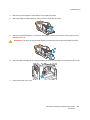
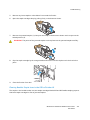
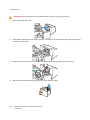
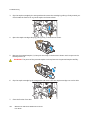
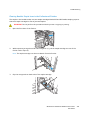
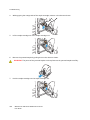
Place your fingers under the lip of the toner cartridge, then pull the toner cartridge straight out of the
printer.
3.
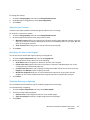
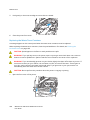
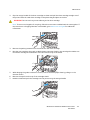
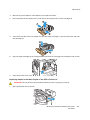
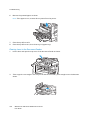
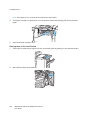
Remove the new toner cartridge from the packaging. Tilt the cartridge up and down, then left and
right 10 times.
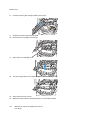
4.
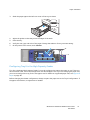
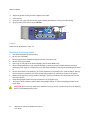
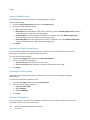
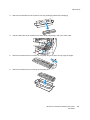
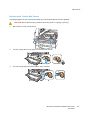
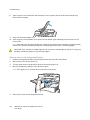
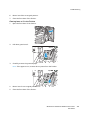
Hold the new toner cartridge with the arrow facing up, then push the cartridge in slowly until it stops.
WorkCentre 7500 Series Multifunction Printer
User Guide
167