1
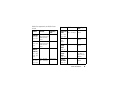
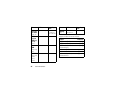
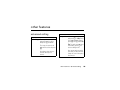
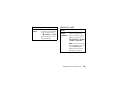
feature
manage
memory
messages
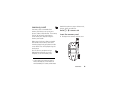
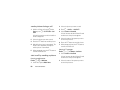
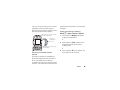
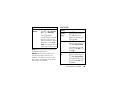
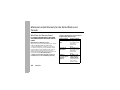
To view your used memory,
free memory, memory
capacity, and number of files
in phone memory press M
> j > Media Center > M >
Memory Usage.
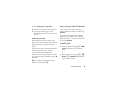
To free memory on your
phone, delete items from
the media center, voice
records, or Java
applications. To free
memory on the memory
card, delete items from the
card's folders.
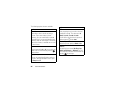
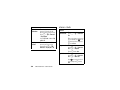
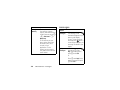
feature
read
messages
reply to
messages
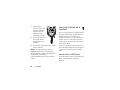
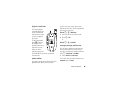
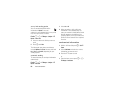
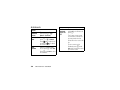
When you receive a
text message, it will
automatically appear on your
phone's main display
screen. To view the entire
message press
down. If
the messages is urgent, the
message icon blinks in your
display.
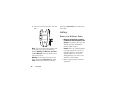
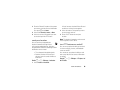
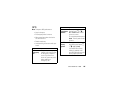
While the message is
open press - under
Reply. Type message and
press - under Send.
or
Press - under Reply. Select
a quick message and press
- under Send
110
other features—messages