1
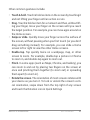
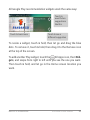
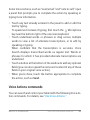
Some Voice Actions, such as “send email” and “note to self,” open
a panel that prompts you to complete the action by speaking or
typing more information.
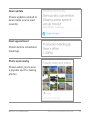
• Touch any text already entered in the panel to add or edit the
text by typing.
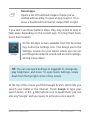
To speak text instead of typing, first touch the
Microphone
key near the bottom right of the onscreen keyboard.
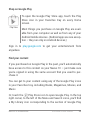
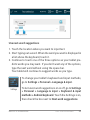
• Touch underlined words or phrases or drag across multiple
words to view a list of alternate transcriptions, or to edit by
speaking or typing.
When confident that the transcription is accurate, Voice
Search displays transcribed words as regular text. Words or
phrases for which it has provided alternate transcriptions are
underlined.
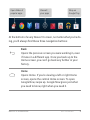
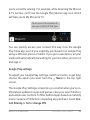
• Touch a button at the bottom of the window to add any optional
fields (you can also speak the name and content of any of these
fields in your original voice action).
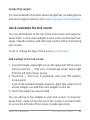
• When you’re done, touch the button appropriate to complete
the action, such as Send.
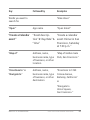
Voice Actions commands
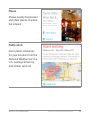
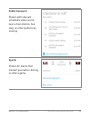
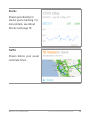
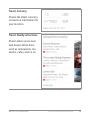
You can search and control your tablet with the following Voice Action commands. For details, see “Use Voice Actions.”
NEXUS 10 GUIDEBOOK USE GOOGLE NOW & SEARCH62