1
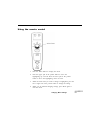
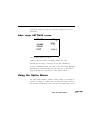
least three seconds. To clear the option menu from the screen, press
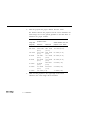
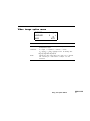
Menu again. The tables below describe the option menu settings
available for each image source.
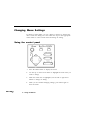
Note: See "Changing Menu Settings” on page 32 for details on selecting
and changing a menu item setting.
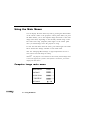
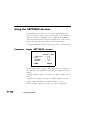
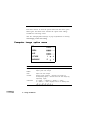
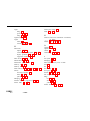
Computer image option menu
RED
GREEN
BLUE
36
3
l
PICTURE
1
2
LANGUAGE
E
J
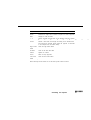
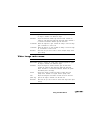
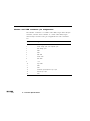
Menu Item
Description
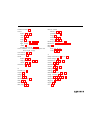
RED
Adjusts red level strength
GREEN
Adjusts green level strength.
BLUE
Adjusts blue level strength.
PICTURE
Specifies image sharpness. 1 enhances color images (by
de-emphasizing edges); 2 enhances black and white images (by
emphasizing edges).
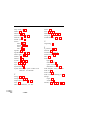
LANGUAGE
E = English, J = Japanese, D = German, F = French,
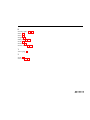
S = Spanish, I = Italian. Languages scroll in the following order:
Using the Menus