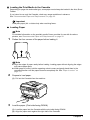
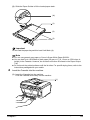
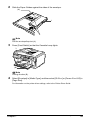
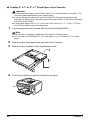
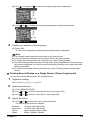
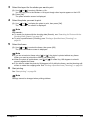
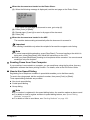
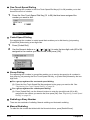
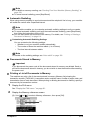
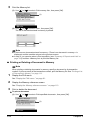
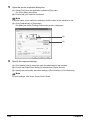
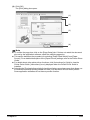
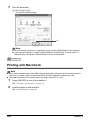
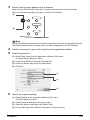
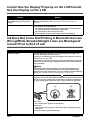
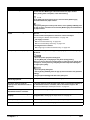
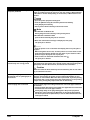
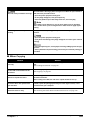
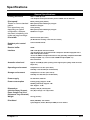
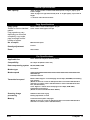
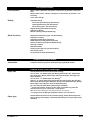
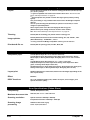
1
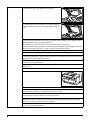
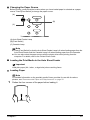
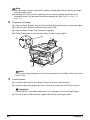
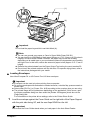
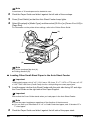
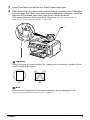
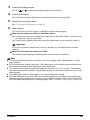
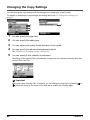
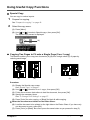
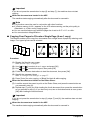
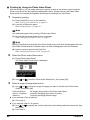
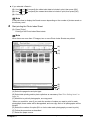
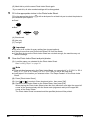
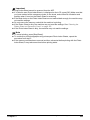
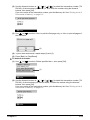
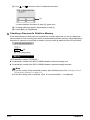
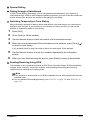
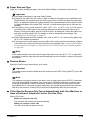
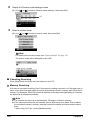
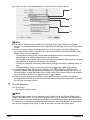
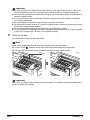
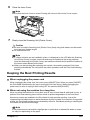
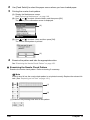
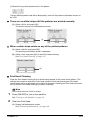
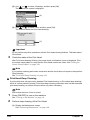
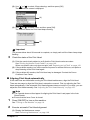
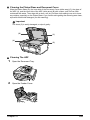
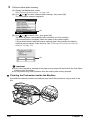
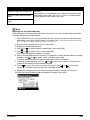
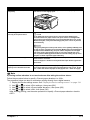
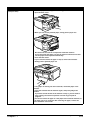
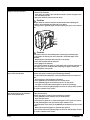
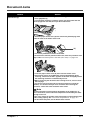
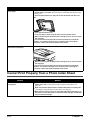
Cleaning the Platen Glass and Document Cover Wipe the Platen Glass (D), the inner side of the Document Cover (white area) (C), the glass of the ADF (A), and the inner side of the ADF (white area) (B) with a clean, soft, lint-free cloth moistened with water. Then wipe with a clean, soft, dry, lint-free cloth making sure not to leave any residue, especially on the Platen Glass. If you have trouble getting the scanning area clean, wipe with diluted mild detergent (for dish washing). Important The sheet (C) is easily damaged, so wipe it gently. (B) (C) (A) (D) Cleaning The ADF 1 Open the Document Tray. 2 Open the Feeder Cover. Chapter 10 Routine Maintenance 155