1
color900.book Page 177 Wednesday, January 6, 1999 12:39 PM
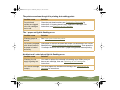
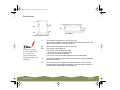
Multiple pages feed at the same time
Try this
Then do this
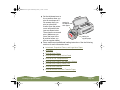
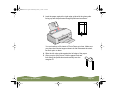
Remove the stack of
paper from the printer.
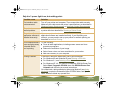
◗ Make sure the paper isn’t too thin (see the specifications in Paper).
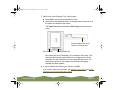
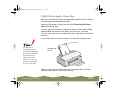
◗ Fan the edges of the stack of paper to separate the sheets.
◗ Reload the paper as described in the Printer Basics book and in
Media Loading and Handling Guidelines.
◗ Make sure the paper edge guides are snug against the edge of the
paper.
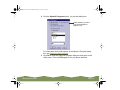
◗ If too many copies of a page or document are printing, check the
Copies settings in both the printer software and your application
program. See Selecting Paper Size and Orientation Options for more
information.
Troubleshooting
Page 177