1
Diagnostics over Industrial Ethernet
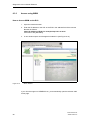
2. The component tree now contains a list of all ELS devices that have been
found.
Select one of the ELS devices in the component tree by double-clicking on it.
The folder of this ELS is opened and a further icon appears. Click on this icon.
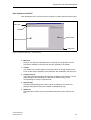
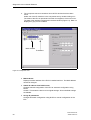
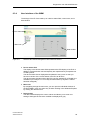
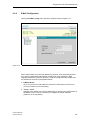
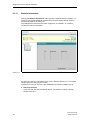
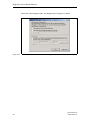
The data of the interface is displayed in the data window (Figure 6-7). Data not
displayed in gray can be modified.
MAC Address
IP Address
Figure 6-7 Component View
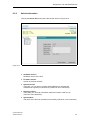
● MAC Address
Displays the MAC address of the ELS in hexadecimal form. The MAC address
cannot be changed.
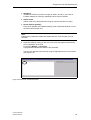
● Obtain IP address from DHCP server
Changes manual configuration of the ELS to automatic configuration using
DHCP.
Caution: This resets the device to its original settings. All user-defined settings
are deleted.
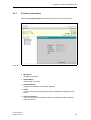
● Assign IP parameters
Changes automatic configuration using DHCP to manual configuration of the
ELS.
54
Industrial Ethernet
A5E00152007-03