1
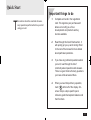
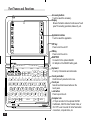
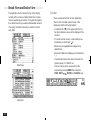
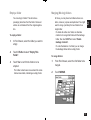
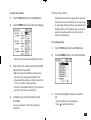
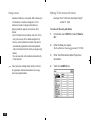
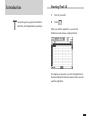
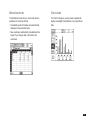
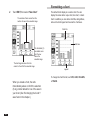
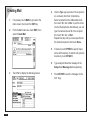
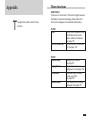
Mail folders
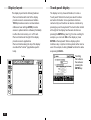
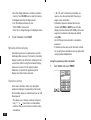
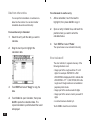
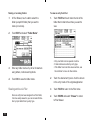
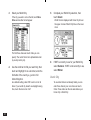
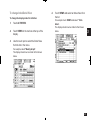
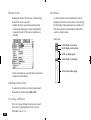
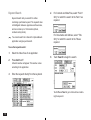
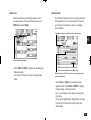
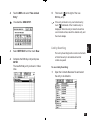
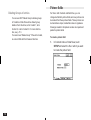
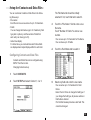
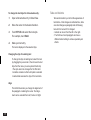
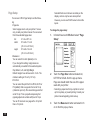
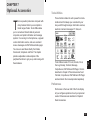
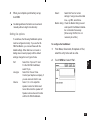
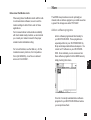
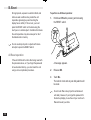
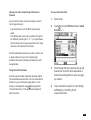
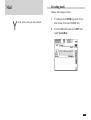
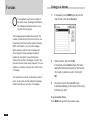
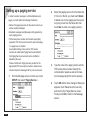
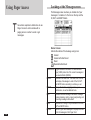
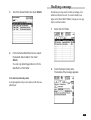
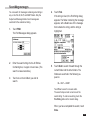
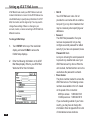
AT&T Mail Access has three mail folders for storing
messages:
• IN Folder: Lists the messages that you have received.
• OUT Folder: Lists the messages that you will be
sending.
• SENT Folder: Lists messages that you have mailed.
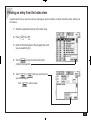
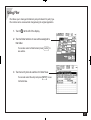
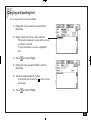
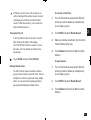
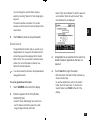
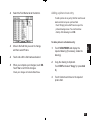
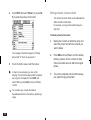
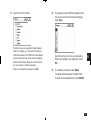
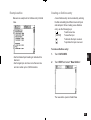
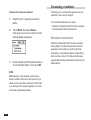
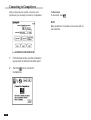
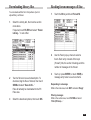
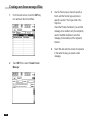
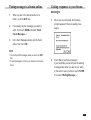
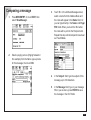
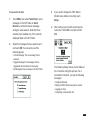
Touch the tab with the mail folder name to display that
mail folder.
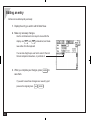
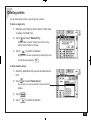
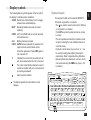
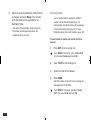
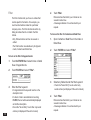
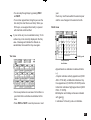
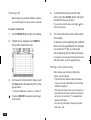
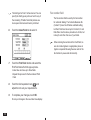
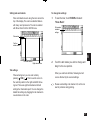
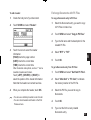
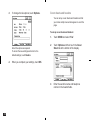
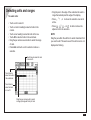
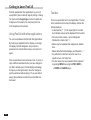
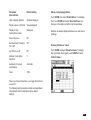
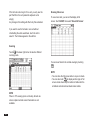
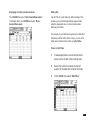
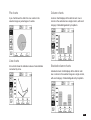
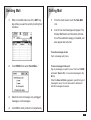
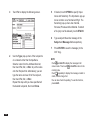
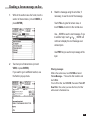
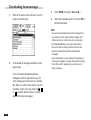
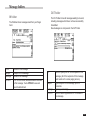
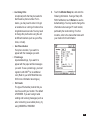
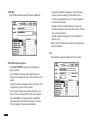
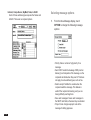
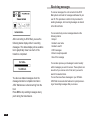
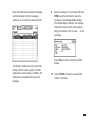
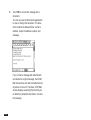
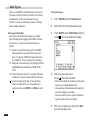
All of these folders show the following information about
messages.
204
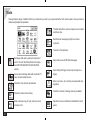
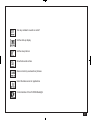
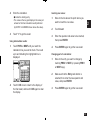
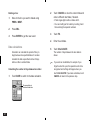
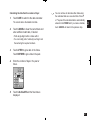
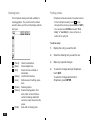
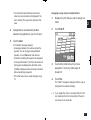
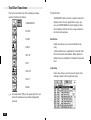
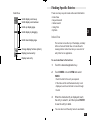
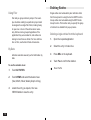
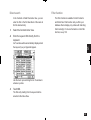
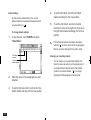
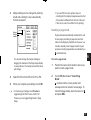
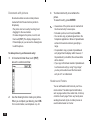
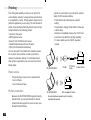
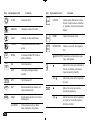
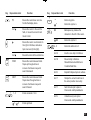
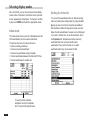
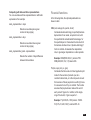
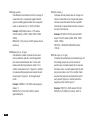
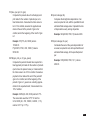
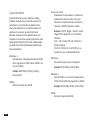
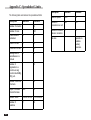
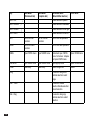
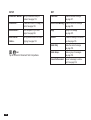
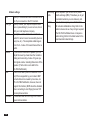
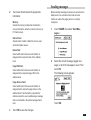
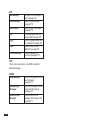
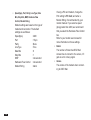
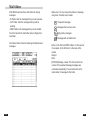
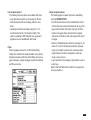
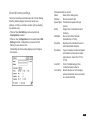
• Status Icon: The icon shows the status of a message
at a glance. Possible icons include:
Unopened messages.
Messages that you have read.
High-priority messages.
Messages with an attachment.
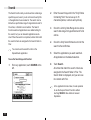
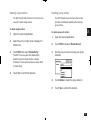
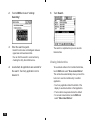
• Name: In the OUT and SENT folders, it is the name of
the recipient. In the IN folder, it is the name of the
sender.
• Subject
• Date
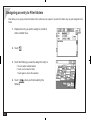
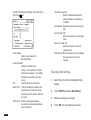
• [001/002] Message counter: The first number is the
number of the selected message (messages are
numbered sequentially). The second number is the
total number of messages in the folder.
204