1
About Your Phone
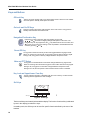
Headset
If you will use your handset frequently, we recommended you use a headset so you have both
hands free. The headset comes in three versions; microphone integrated in the cable,
microphone on a boom and hearing protection.
In order to achieve optimal audio quality with your headset we recommend you select the
corresponding headset profile.
Note: It is possible to configure the headset button with a specific function, such as hook
off, dial last called number, or dial a predefined number. See the Mitel 5604 Wireless
Handset Configuration Guide for more information.
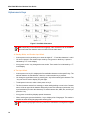
The default setting is microphone on a boom, that is, the audio is optimized for using a headset
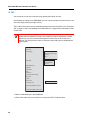
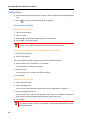
with microphone on a boom. The headset profile can be changed in the menu by do as follows:
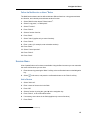
1.
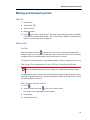
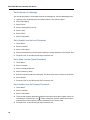
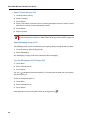
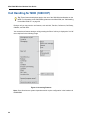
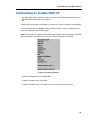
Enter the menu by pressing the “Menu” soft key, or the confirmation button on the Navigation
key.
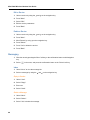
2.
Select "Connections".
3.
Press "Select", or the confirmation button on the Navigation key.
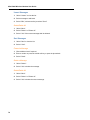
4.
Select "Headset".
5.
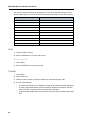
Select the corresponding headset profile from list, that is, "Mic on boom", "Mic on cable",
or "Hearing protection".
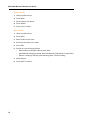
6.
Press "Select", or the confirmation button on the Navigation key.
If the pre-configured headset profiles do not match the headset in use, or the audio performance
is bad, it is possible to configure an own headset profile. This is done in the PDM, see the Mitel
5604 Wireless Handset Configuration Guide. If an own profile is configured in the PDM, it will
be selectable in the handset menu.
13