1
Display Settings
(Menu 4.6)
In this menu, you can change the settings for the display
or backlight.
Contrast (Menu 4.6.1)
This menu allows you to adjust the contrast of the display
screen for better viewing in different lighting conditions.
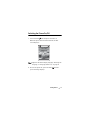
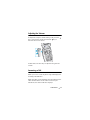
Adjust the contrast using the Up and Down keys or the
Volume keys on the left side of the phone.
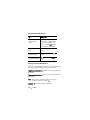
Backlight (Menu 4.6.2)
You can configure the phone to turn on or off the
backlight. A marginal increase in standby/talk time can
be achieved by turning the backlight off.
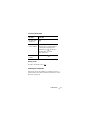
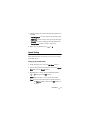
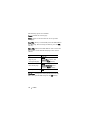
Select the length of time for the backlight to be on. The
backlight turns on when you press a key or receive a call
or message and remains on for the specified length of
time.
Note: To increase battery life, the entire LCD turns off
one minute after the backlight turns off. This setting
cannot be adjusted.
If you do not want to use the backlight, select Off.
Phone Settings
85