1
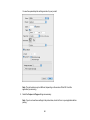
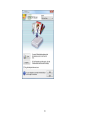
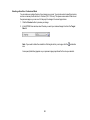
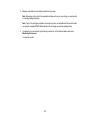
3. If necessary, select your product name as the printer you want to use.
Note: You may also need to select Properties or Preferences to view your print settings.
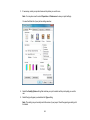
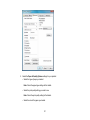
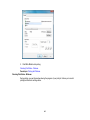
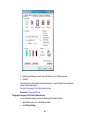
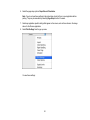
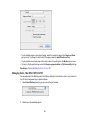
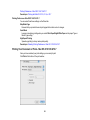
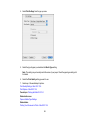
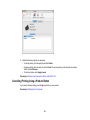
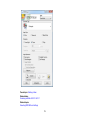
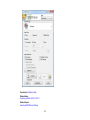
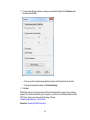
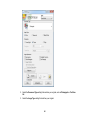
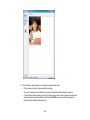
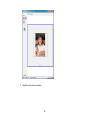
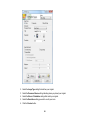
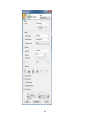
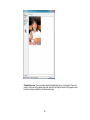
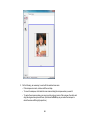
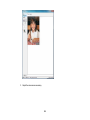
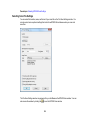
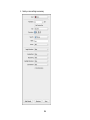
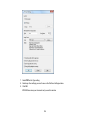
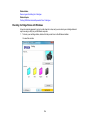
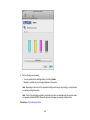
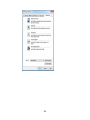
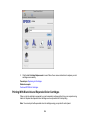
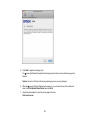
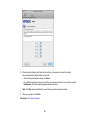
You see the Main tab of your printer settings window:
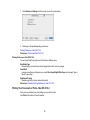
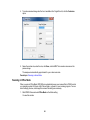
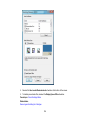
4. Select the Quality Option setting that matches your print content and the print quality you want to
use.
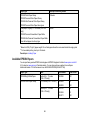
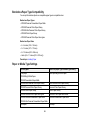
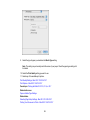
5. Select the type of paper you loaded as the Type setting.
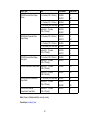
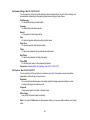
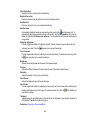
Note: The setting may not exactly match the name of your paper. Check the paper type settings list
for details.
34