1
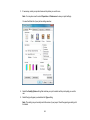
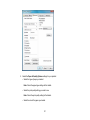
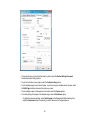
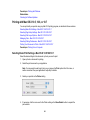
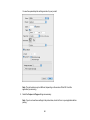
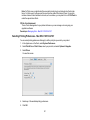
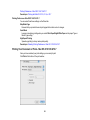
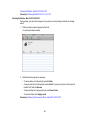
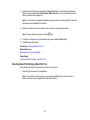
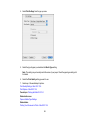
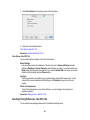
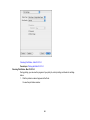
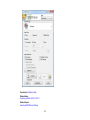
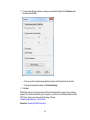
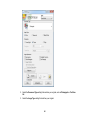
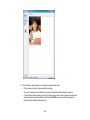
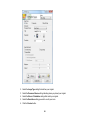
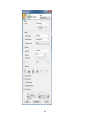
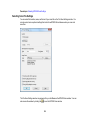
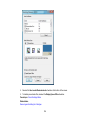
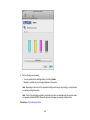
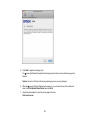
2. Select the Paper & Quality Options settings for your printout:
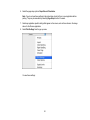
• Select the type of paper you loaded.
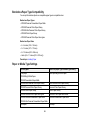
Note: Check the paper type settings list for details.
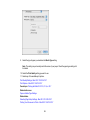
• Select the print quality setting you want to use.
Note: Check the print quality setting list for details.
• Select the size of the paper you loaded.
37