1
Introduction
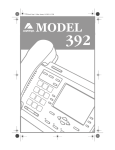
This manual covers the use of INTERACTIVE
INTELLIGENCE 390 and 480e phones with the
INTERACTIVE INTELLIGENCE phone system.
These phones provide an easy-to-use interface through
its large screen and 6 softkeys. By providing this interface, the user no longer has to remember all the phone
feature codes to perform functions such as call handling, or extension management.
This manual should therefore be used in place of the
Telephone User Interface Quick Reference provided
with the telephone. Please continue to refer to The
Analog Telephone Interface Guide for all other
INTERACTIVE INTELLIGENCE features.
Installation and
Setup
Installation
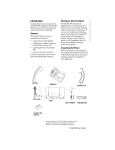
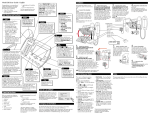
1. Connect the handset cord
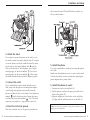
Turn the telephone over and locate the handset jack
marked
. Insert one end of handset cord into the
jack until it clicks into place. Then route the handset
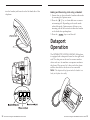
cord through the groove as shown in the illustration
on the next page. Attach the handset to the other end
of the handset cord.
vi
Interactive Intelligence 390/480e Phone User Guide
Interactive Intelligence 390/480e Phone User Guide
1