1
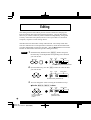
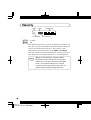
Playing the Demo Song
Playing the Demo Song
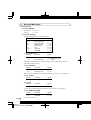
Now that you’ve set everything up properly, try playing the built-in Demo
Song. This showcases the high-quality Voices and the AWM tone generation
system of the MU5.
Operation
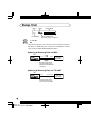
1
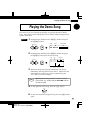
Simultaneously hold down the s buttons and press
the E button.
PART
SELECT
OCT
DOWN
PGM #
VOICE NAME
OCT
UP
ENTER
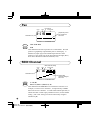
2
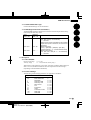
Simultaneously hold down the s buttons and press
the E button again to start the song.
PART
PGM #
VOICE NAME
SELECT
OCT
DOWN
OCT
UP
ENTER
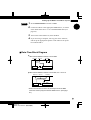
1 2 3 4 5 6 7 8 9 10 1112 13 14 15 16
3
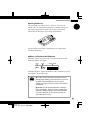
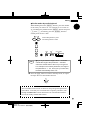
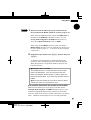
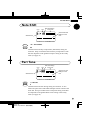
The Demo Song starts playing immediately and repeats
indefinitely until stopped (in step 4 below). Playback of the
individual Parts of the song is shown graphically by the
“level meter” bars in the display.
NOTE
4
■
During Demo Song playback, all panel controls
(except the e button and the VOLUME control)
cannot be used.
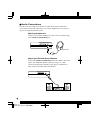
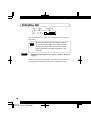
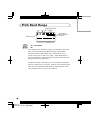
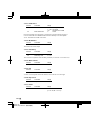
To stop playback of the song, press the e button.
EXIT
5
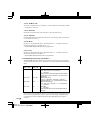
To exit from the Demo Song function, press the e button
again.
23
Page 23 99.12.16,0:23 PM - 名称未設定