1
B
2.
Fabric OS Upgrade from 4.0.x TO 4.1.x
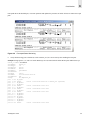
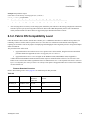
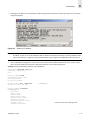
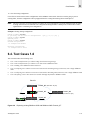
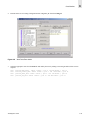
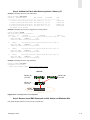
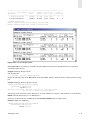
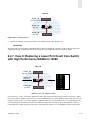
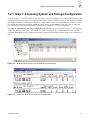
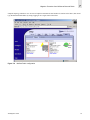
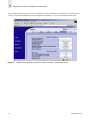
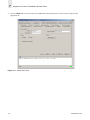
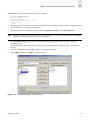
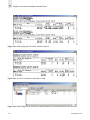
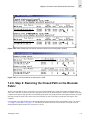
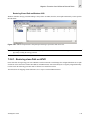
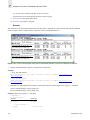
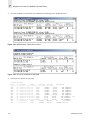
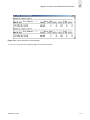
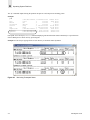
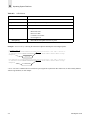
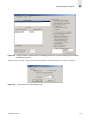
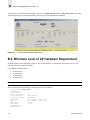
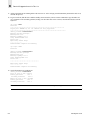
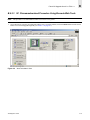
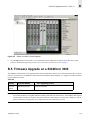
Select the Firmware Download button from Upload/Download tab and enter the User name, password, server IP
address, and complete path for Fabric OS v4.1.0 directory appended by the release.plist file.
Figure 2-3
Note:
Switch Admin view of Upload/Download Tab
The release.plist file is not located in the root of the firmware directory (/fw/v4.1.0), but the firmware will use the
appropriate release.plist file in the child directory, based on its type.
3.
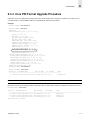
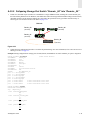
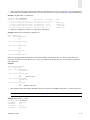
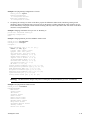
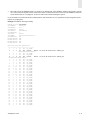
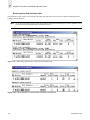
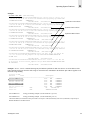
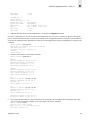
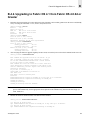
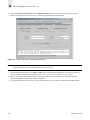
After providing the information, click Apply or OK to start the firmware download process. The firmware download
process is similar as described in Upgrading to Fabric OS 4.1 from Fabric OS 4.0.0d or Greater on page 9.
4.
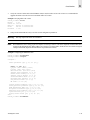
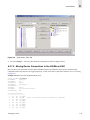
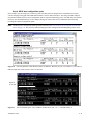
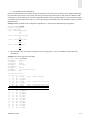
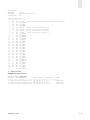
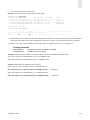
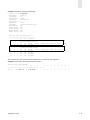
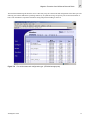
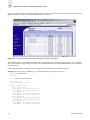
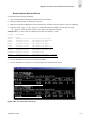
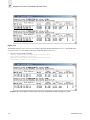
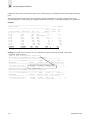
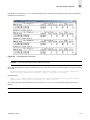
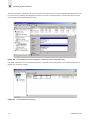
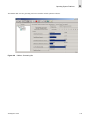
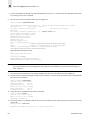
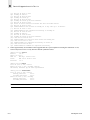
Monitor the Firmware Download status bar and message window for process updates or error messages, until the
firmware download is completed successfully on both CPs.
5.
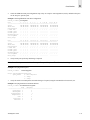
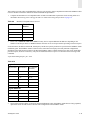
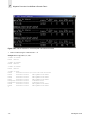
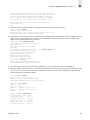
Close the Web Tools session and re-open a new session and verify the new firmware version and switch functionality.
B-12
SAN Migration Guide