1
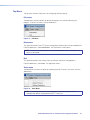
Device Settings
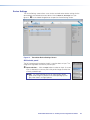
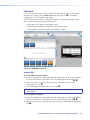
The Device Settings screen allows a user to view and edit various device settings for the
device directly connected to the host device. Click the Device Settings icon (see
figure 21, 1) on the Global Navigation bar to open the Device Settings screen.
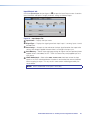
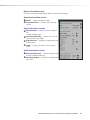
Figure 21. Transmitter Device Settings Screen
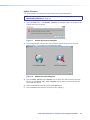
AV Controls panel
The AV Controls panel, located on the left, is used to select an input. The
image to the right does not have any active inputs.
2
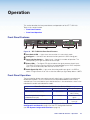
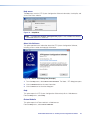
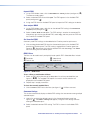
Input selection — Click an Input button to select an input. As a new
input is selected, the summary within the panel changes to reflect the
currently selected input.
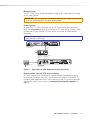
NOTE: The signal indicators on the AV input buttons display
green when a signal is present on the corresponding input or
gray when there is no signal present.
XTP T USW 103 Switcher • XTP System Configuration Software
24