1
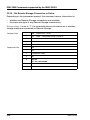
User Management
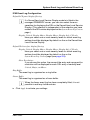
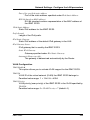
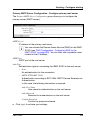
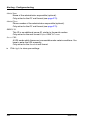
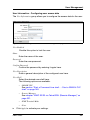
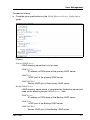
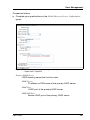
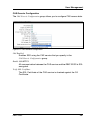
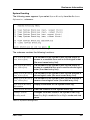
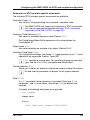
Domain Name
Complete DNS path name of the directory server.
Base DN
Base DN is automatically derived from Domain Name.
Groups directory as sub-tree from base DN
Pathname of the organizational unit (OU) which as a subtree of
Base DN (Group DN Context) contains the OUs SVS or iRMCgroups.
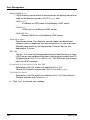
Department name
The department name is used in the directory service in order to
determine the user permissions and alert roles. A user may have
different permissions for the department X server than for the
department Y server.
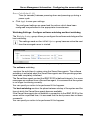
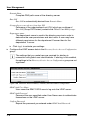
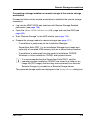
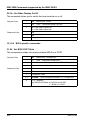
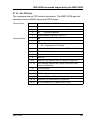
Ê Click Apply to activate your settings.
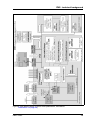
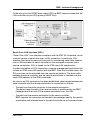
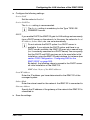
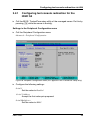
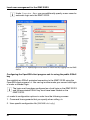
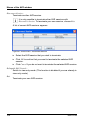
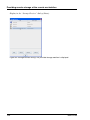
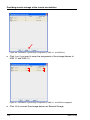
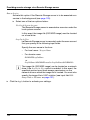
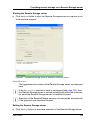
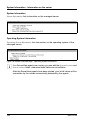
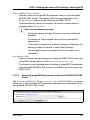
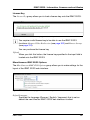
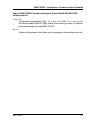
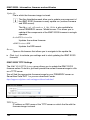
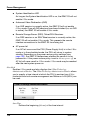
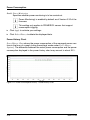
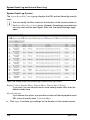
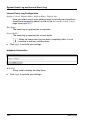
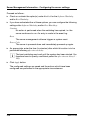
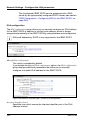
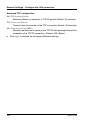
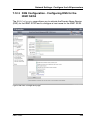
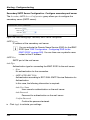
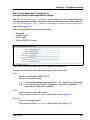
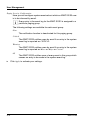
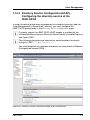
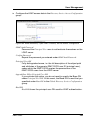
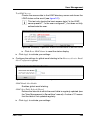
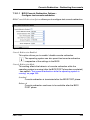
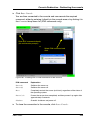
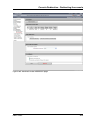
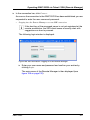
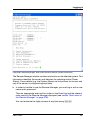
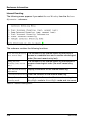
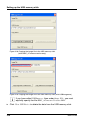
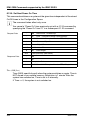
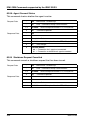
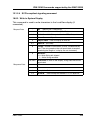
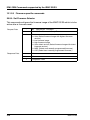
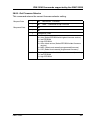
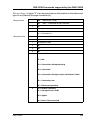
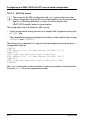
Ê Configure the LDAP access data in the Directory Service Access Configuration
group:
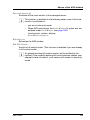
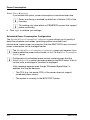
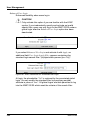
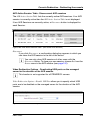
I The settings that you make here are required for alerting in
connection with global user identifications. If alerting is not enabled,
the settings in the Directory Service Access Configuration group are not
significant.
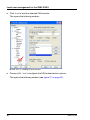
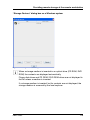
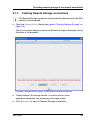
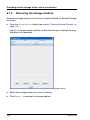
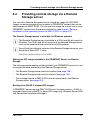
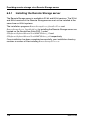
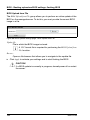
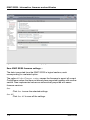
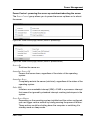
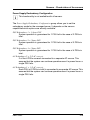
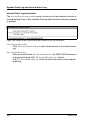
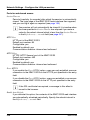
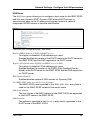
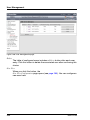
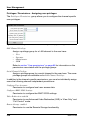
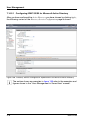
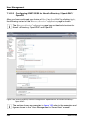
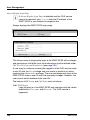
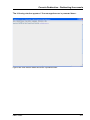
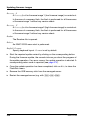
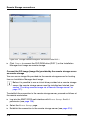
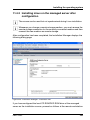
Figure 160: Microsoft Active Directory: Directory Service Access Configuration
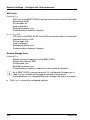
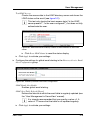
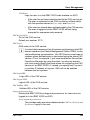
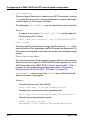
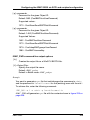
LDAP Auth User Name
User name the iRMC S2/S3 uses to log onto the LDAP server.
LDAP Auth Password
Password the user specified under User Name uses to authenticate
themselves on the LDAP server.
Confirm Password
Repeat the password you entered under LDAP Auth Password.
278
iRMC S2/S3