1
EC156&157CUG_Eng.book Page 57 Friday, December 17, 2004 3:32 PM
Shooting – The Basics
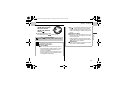
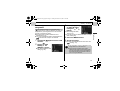
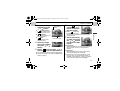
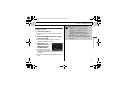
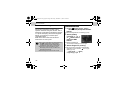
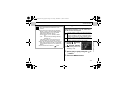
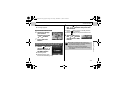
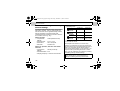
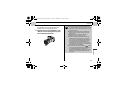
z See page 159 for settings that can be
changed in this mode.
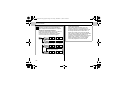
z Sound is recorded monaurally.
z There is no shutter sound in movie mode.
z QuickTime 3.0 or higher is required to
playback movies (Data type: AVI/
Compression method: Motion JPEG) on a
computer. (QuickTime (for Windows) is
bundled on the supplied Canon Digital
Camera Solution Disk. On the Macintosh
platform, QuickTime 3.0 or later is generally
bundled with Mac OS 8.5 or later operating
system.)
57
The Basics
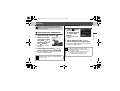
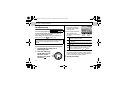
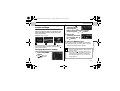
z You are recommended to use a memory
card that has been formatted in your
camera to shoot movies (p. 19). The card
supplied with the camera may be used
without further formatting.
z Be careful not to touch the microphone
while shooting.
z During shooting, do not press any button
other than the shutter button. These
operation sounds will also be recorded.
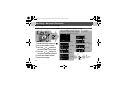
z The AE, AF, white balance and zoom
settings are set and locked to the settings of
the first frame.
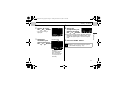
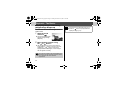
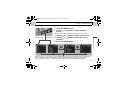
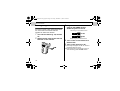
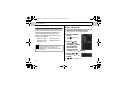
z After a shot, the upper indicator blinks
green while the movie clip is being written to
the memory card. You cannot shoot again
until it stops blinking.