1
86
3.
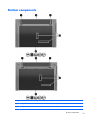
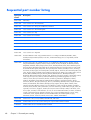
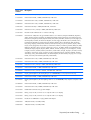
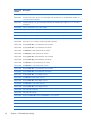
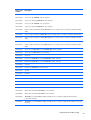
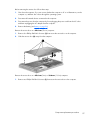
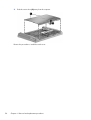
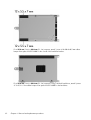
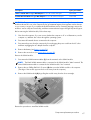
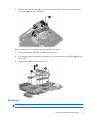
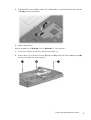
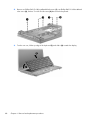
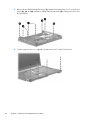
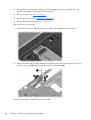
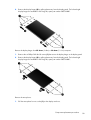
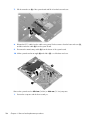
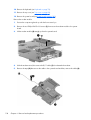
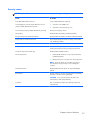
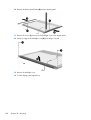
Remove the two Phillips PM2.0×2.0 screws (1) located in the battery bay, four Torx M2.5×6.0
screws (2), (3), and (4), and the two Phillips PM2.0×3.0 screws (5) located in the recess near
the optical drive.
4.
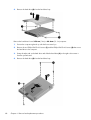
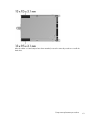
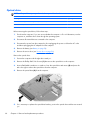
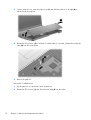
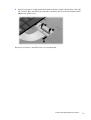
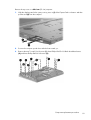
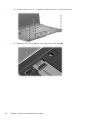
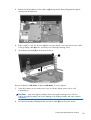
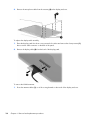
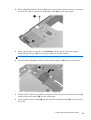
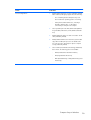
Turn the computer over so it is right-side up and remove five Torx M2.5×6.0 screws.
Chapter 4 Removal and replacement procedures