1
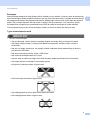
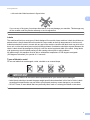
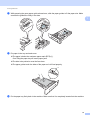
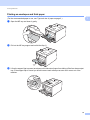
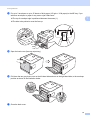
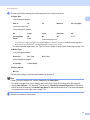
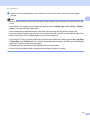
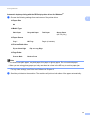
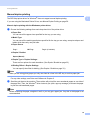
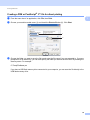
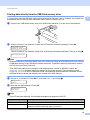
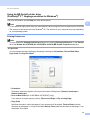
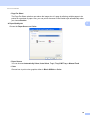
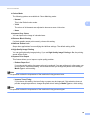
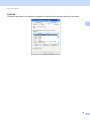
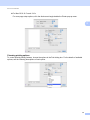
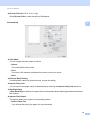
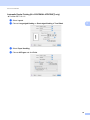
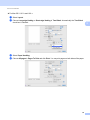
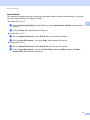
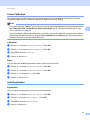
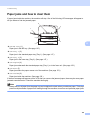
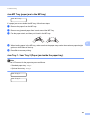
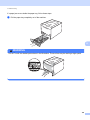
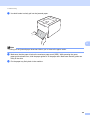
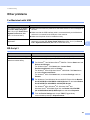
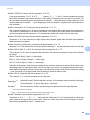
Driver and Software Manual Duplex Printing 2 For Mac OS X 10.4.11 a b Select Paper Handling. c Reload printed paper into the tray with the blank side facing up (for MP tray) or facing down (for Tray 1 and Tray 2). d Choose Normal in Page Order. Then choose Odd numbered pages and click Print. 2 Choose Reverse (for MP tray) or Normal (for Tray 1 and Tray 2) in Page Order. Then choose Even numbered pages and click Print. For Mac OS X 10.5.x and 10.6.x a b Select Paper Handling. c Reload printed paper into the tray with the blank side facing up (for MP tray) or facing down (for Tray 1 and Tray 2). d Choose Normal in Page Order. Then choose Odd Only in Pages To Print and click Print. Choose Reverse (for MP tray) or Normal (for Tray 1 and Tray 2) in Page Order. Then choose Even Only in Pages To Print and click Print. 58