1
Playback – The Basics
3
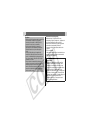
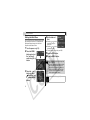
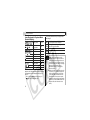
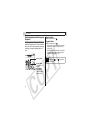
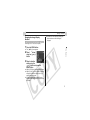
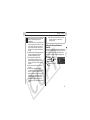
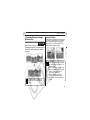
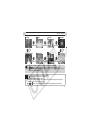
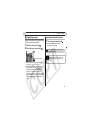
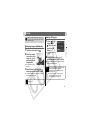
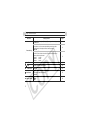
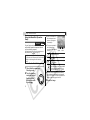
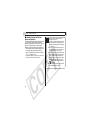
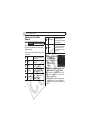
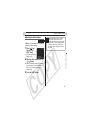
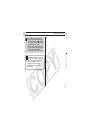
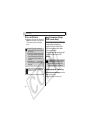
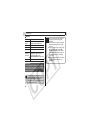
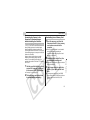
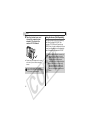
Select an editing
method using the
or
button.
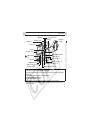
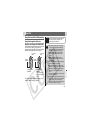
Movie Editing
Panel
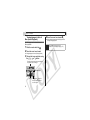
6
z
4
5
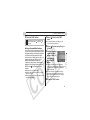
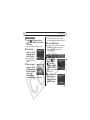
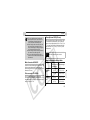
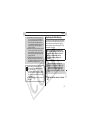
z When
is selected,
the edited movie is not
saved and the camera reverts to the movie
playback panel.
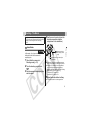
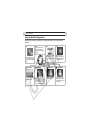
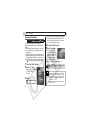
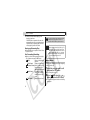
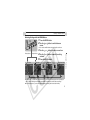
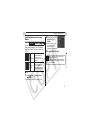
Movie Editing Bar
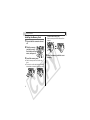
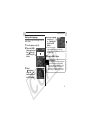
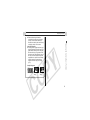
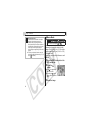
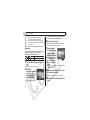
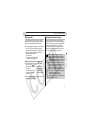
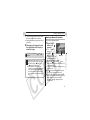
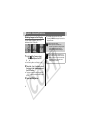
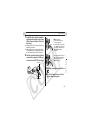
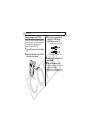
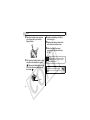
Select the range
you wish to delete
using the
or
button.
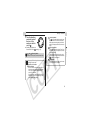
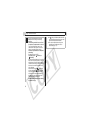
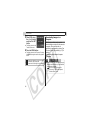
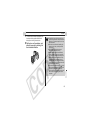
Select
(Play) using the
or
button and press the SET button.
z The temporarily edited movie will start playing.
z The movie will stop if you press the SET button
while it is playing.
7
The Basics
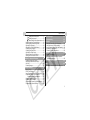
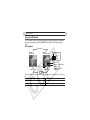
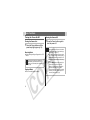
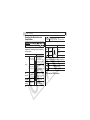
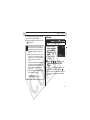
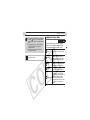
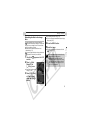
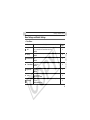
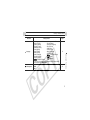
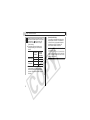
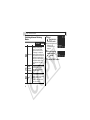
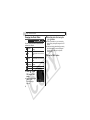
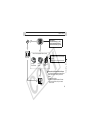
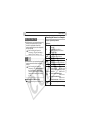
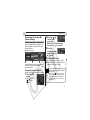
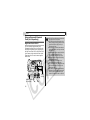
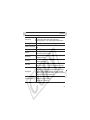
(Cut Beginning):
Deletes frames from the
beginning of the movie.
z
(Cut End):
Deletes frames from the
end of the movie.
z
(Exit):
Reverts to the movie
playback panel.
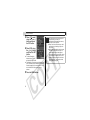
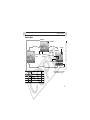
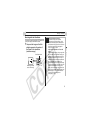
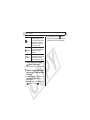
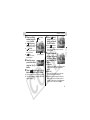
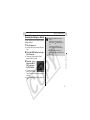
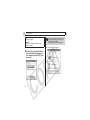
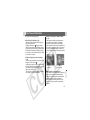
Select
(Save)
using the
or
button and press
the SET button.
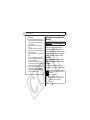
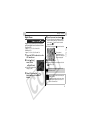
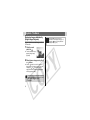
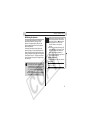
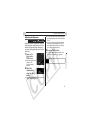
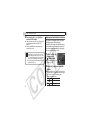
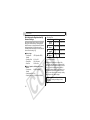
Select [Overwrite]
or [New File] using
the
or
button
and press the SET
button.
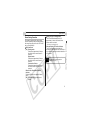
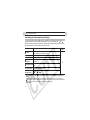
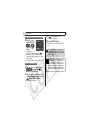
z [Overwrite]:
Saves the edited movie under the same name
as the original movie. The original data is
deleted.
z [New File]:
Saves the edited movie under a new name.
The original data is left unchanged.
z When there is not enough space left on the
memory card, only the overwrite function is
available. If this happens, a small
appears
on the counter of the movie editing bar.
63