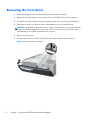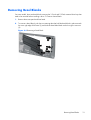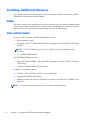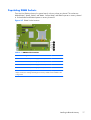
1
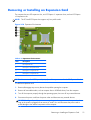
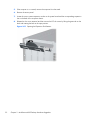
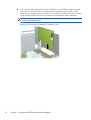
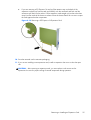
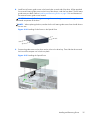
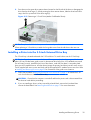
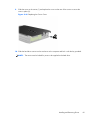
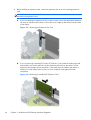
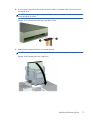
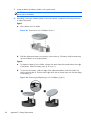
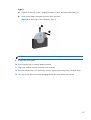
12. To install a new expansion card, hold the card just above the expansion socket on the system
board then move the card toward the rear of the chassis (1) so that the bracket on the card is
aligned with the open slot on the rear of the chassis. Press the card straight down into the
expansion socket on the system board (2).
Figure 3-14 Installing an Expansion Card
NOTE: When installing an expansion card, press firmly on the card so that the whole connector
seats properly in the expansion card slot.
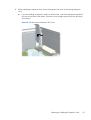
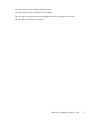
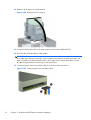
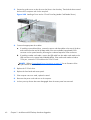
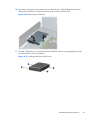
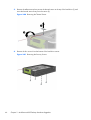
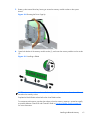
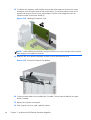
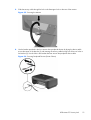
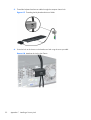
13. Rotate the slot cover retention latch back in place to secure the expansion card.
Figure 3-15 Closing the Expansion Slot Retainer
14. Connect external cables to the installed card, if needed. Connect internal cables to the system
board, if needed.
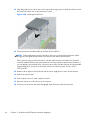
15. Replace the computer access panel.
16. If the computer was on a stand, replace the stand.
66
Chapter 3 MultiSeat ms6200 Desktop Hardware Upgrades