1
STEP1
2
Setting Up the Machine
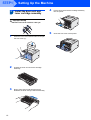
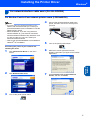
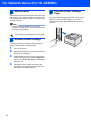
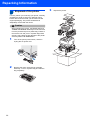
Install the drum unit and
toner cartridge assembly
4
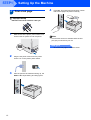
Put the drum unit and toner cartridge assembly
into the printer.
Improper Setup
DO NOT connect the interface cable yet.
1
5
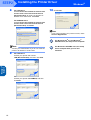
Press the front cover release button and open
the front cover (1).
1
2
3
10
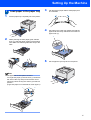
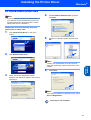
Unpack the drum unit and toner cartridge
assembly.
Rock it from side to side several times to
distribute the toner evenly inside the assembly.
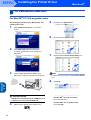
Close the front cover of the printer.