1
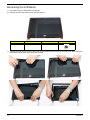
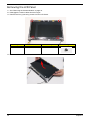
Removing the LCD Bezel
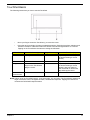
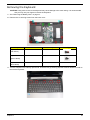
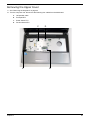
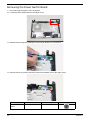
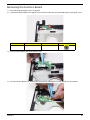
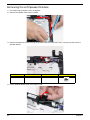
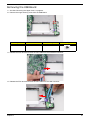
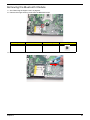
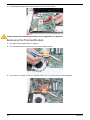
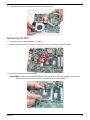
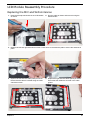
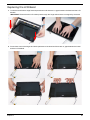
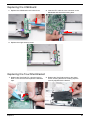
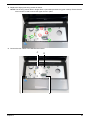
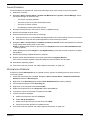
1. See “Removing the LCD Module” on page 64.
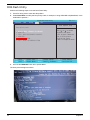
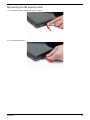
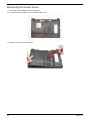
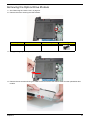
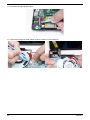
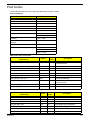
2. Remove the two lower bezel screw caps and screws.
Step
LCD Bezel
Size
M2.5*4
Quantity
Screw Type
2
3.
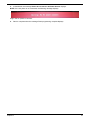
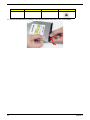
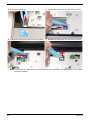
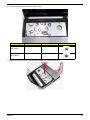
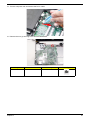
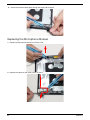
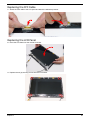
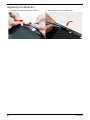
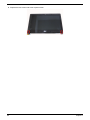
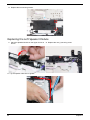
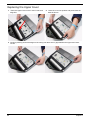
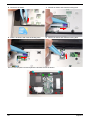
Starting from the top-left corner of the bezel, pry the bezel upwards and away from the panel. Move along the
top and left until all sides of the bezel are removed.
74
Chapter 3