1
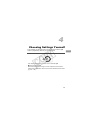
Changing Camera Settings
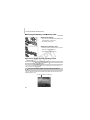
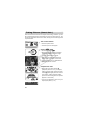
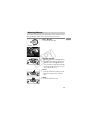
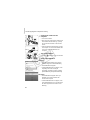
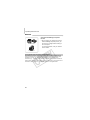
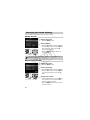
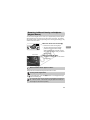
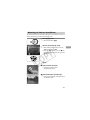
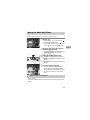
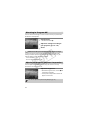
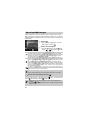
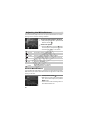
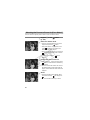
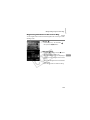
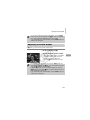
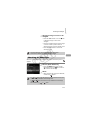
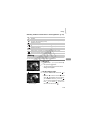
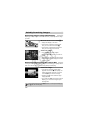
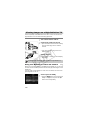
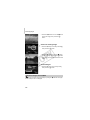
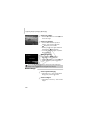
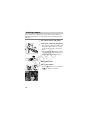
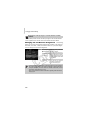
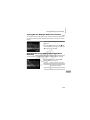
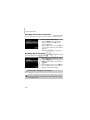
Set the world time zone.
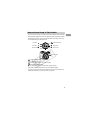
● Press the op buttons or turn the Ê dial
to choose [
button.
World], then press the m
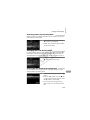
● Press the qr buttons or turn the Ê dial to
choose the destination time zone.
● You can also set the daylight saving time
as in Step 1.
● Press the m button.
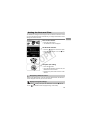
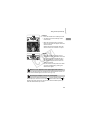
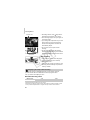
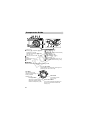
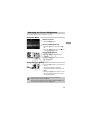
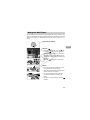
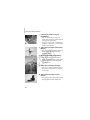
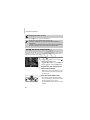
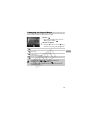
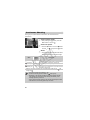
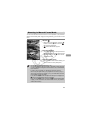
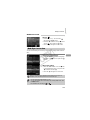
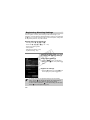
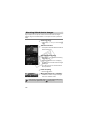
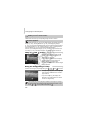
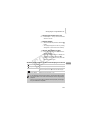
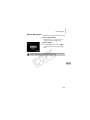
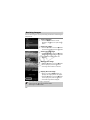
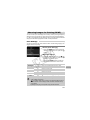
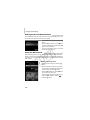
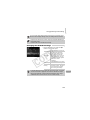
Choose the world time zone.
Y
P
O
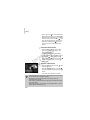
● Press the op buttons or turn the Ê dial
to choose
button.
X
C
, then press the n
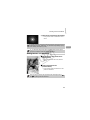
will appear on the shooting screen
(p. 178).
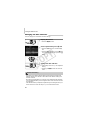
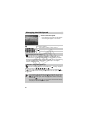
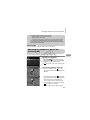
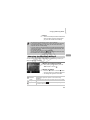
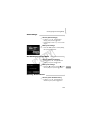
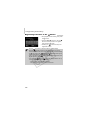
If you change the date or time in the
setting (p. 20), your [
time and date will automatically change.
Home]
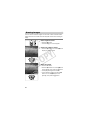
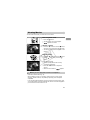
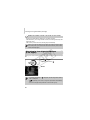
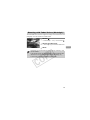
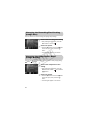
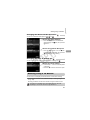
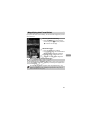
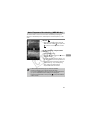
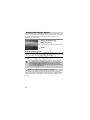
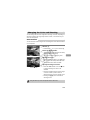
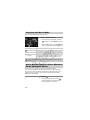
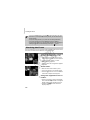
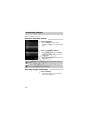
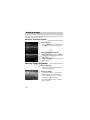
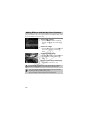
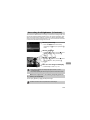
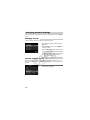
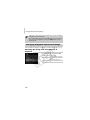
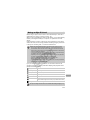
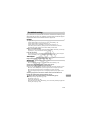
Changing Distance Units
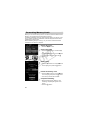
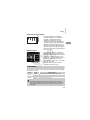
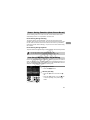
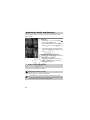
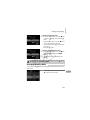
You can change the distance units that display in the MF indicator (p. 93) from
m/cm to ft/in.
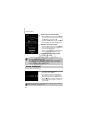
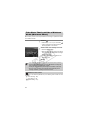
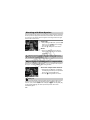
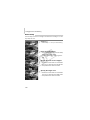
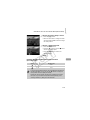
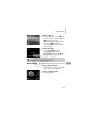
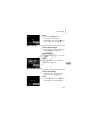
● Choose [Distance Units], then press the
qr buttons to choose [ft/in].
161