Download Bosch RPS D5500CU Installation guide
Transcript
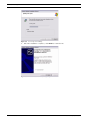
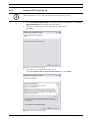
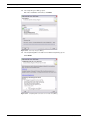
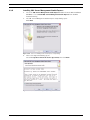
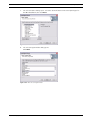
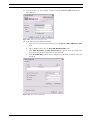
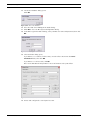
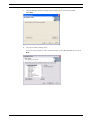
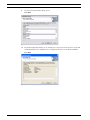
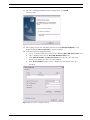
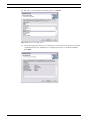
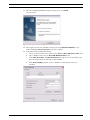
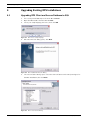
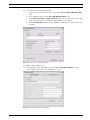
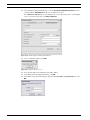
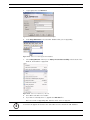
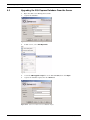
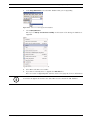
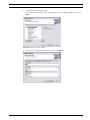
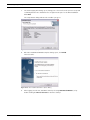
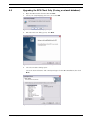
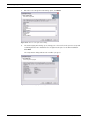
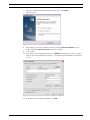
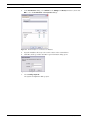
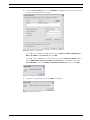
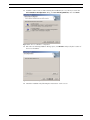
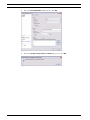
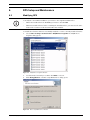
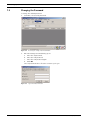
RPS RPS Setup and Maintenance | en 6 RPS Setup and Maintenance 6.1 Modifying RPS 79 NOTICE! i To modify the current RPS installation, you must use the original installation files. – If RPS was installed from the CD-ROM, you must use the CD-ROM. – If RPS was installed from a folder containing the installation files, you must use the same folder in the location it resided at when RPS was installed. To install other features that were not initially installed or remove currently installed features: 1. Select Start > Settings > Control Panel > Add/Remove Programs. The Add/Remove Programs dialog opens. Figure 6.1 Add/Remove Programs Window 2. Scroll down the list until you see RPS. Click RPS to select it. 3. Click Change/Remove. The RPS Setup Maintenance dialog opens. Figure 6.2 RPS Setup Maintenance Window Bosch Security Systems, Inc. Installation Guide 4998141259 | 09 | 2008.10