1
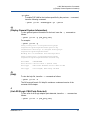
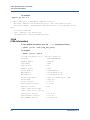
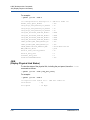
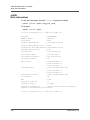
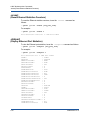
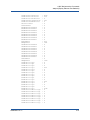
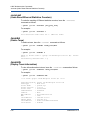
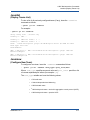
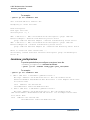
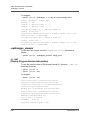
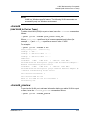
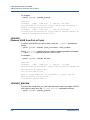
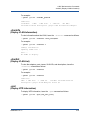
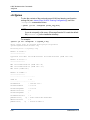
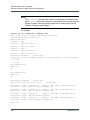
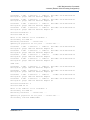
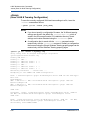
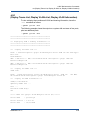
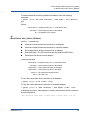
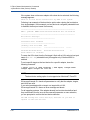
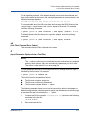
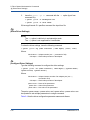
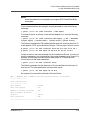
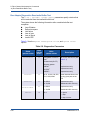
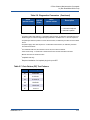
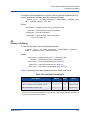
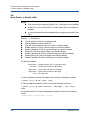
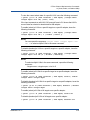
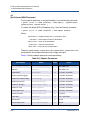
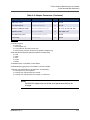
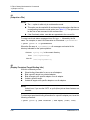
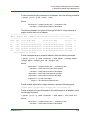
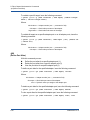
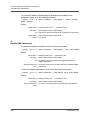
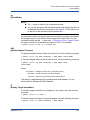
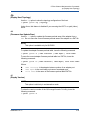
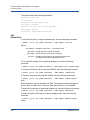
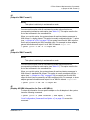
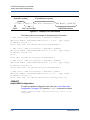
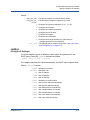
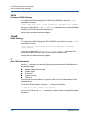
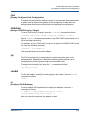
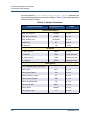
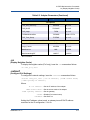
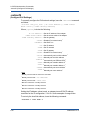
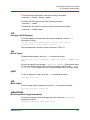
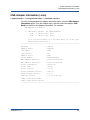
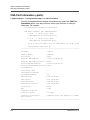
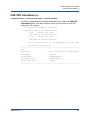
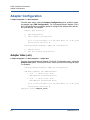
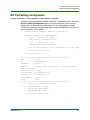
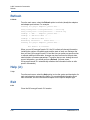
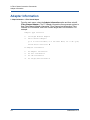
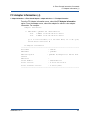
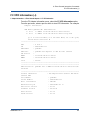
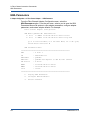
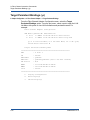
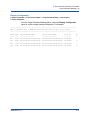
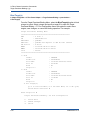
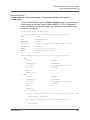
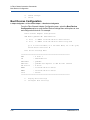
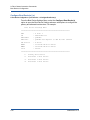
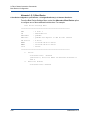
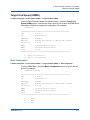
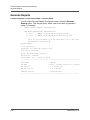
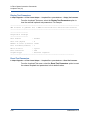
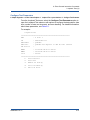
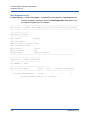
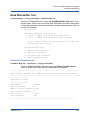
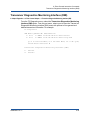
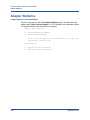
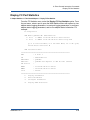
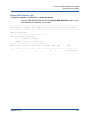
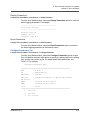
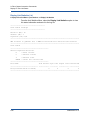
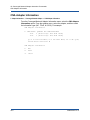
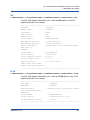
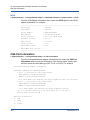
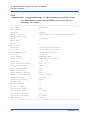
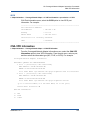
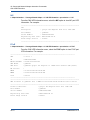
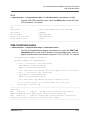
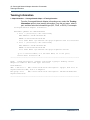
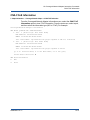
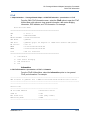
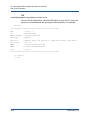
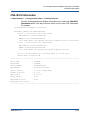
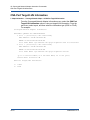
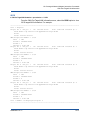
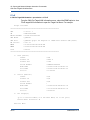
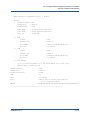
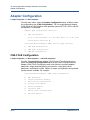
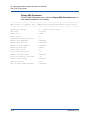
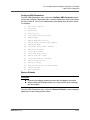
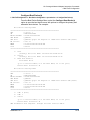
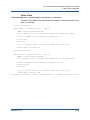
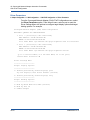
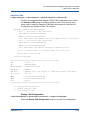
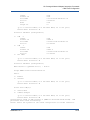
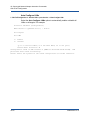
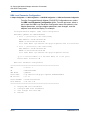
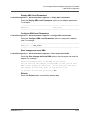
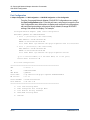
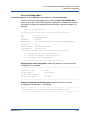
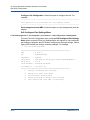
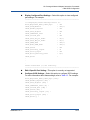
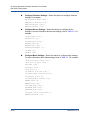
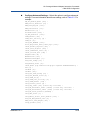
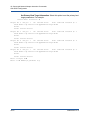
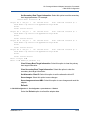
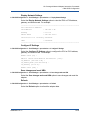
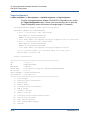
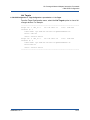
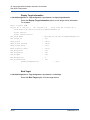
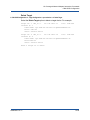
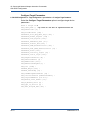
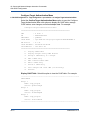
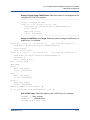
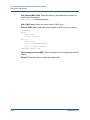
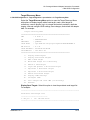
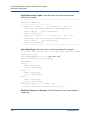
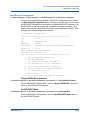
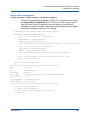
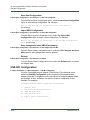
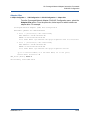
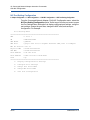
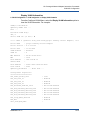
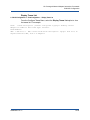
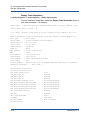
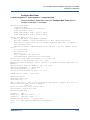
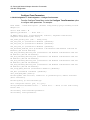
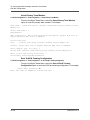
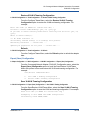
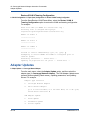
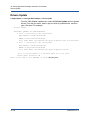
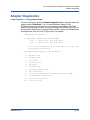
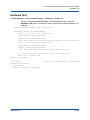
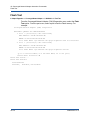
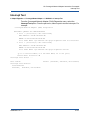
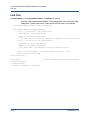
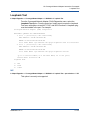
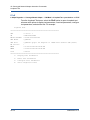
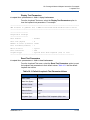
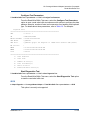
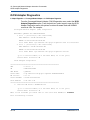
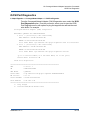
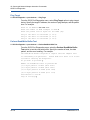
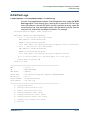
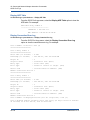
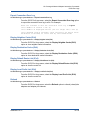
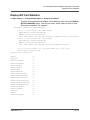
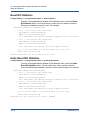
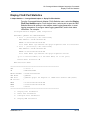
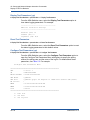
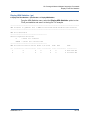
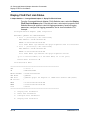
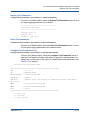
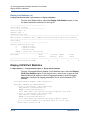
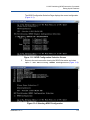
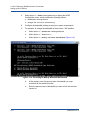
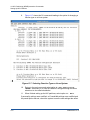
10–Converged Network Adapter Interactive Commands CNA iSCSI Configuration BIOS/UEFI Settings Menu 2. CNA iSCSI Configuration2. Port Configuration<port selection>4. BIOS/UEFI Settings Menu From the Port Link Configuration menu, select the BIOS/UEFI Settings Menu option to open the BIOS/UEFI Settings Menu with options to view BIOS/UEFI information, set the BIOS/UEFI mode, set primary and secondary boot target information, clear primary and secondary boot information, set an alternative client ID, save changes, and reset the adapter. For example: BIOS/UEFI Settings Menu ======================================================= CNA : 0 Port: 1 SN : AFE1028C03899 CNA Model : QLE8242 iSCSI Name : iqn.2000-04.com.qlogic:isp8214.000E1E0495EA.4 FW Version : 4.7.31 iSCSI MacAddr : 00:0E:1E:04:95:EA IPv4 Address : 192.168.1.45 ======================================================= 1: Display BIOS/UEFI Information 2: Set BIOS/UEFI Mode 3: Set Primary Boot Target Information 4: Set Secondary Boot Target Information 5: Clear Primary Boot Target Information 6: Clear Secondary Boot Target Information 7: Set Alternatve Client ID 8: Save changes 9: Save changes and reset HBA (if necessary) Display BIOS/UEFI Information Select this option to view the BIOS/UEFI information. Set BIOS/UEFI Mode Select this option to set the BIOS/UEFI mode. SN0054667-00 C 10-61