1
ENGLISH
Movie Mode : Setting the Recording Options
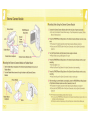
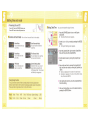
Setting the Digital Zoom
Zooming more than 10x is achieved digitally, up to 100X when combined with optical zoom.
The Digital Zoom processes data to enlarge the center portion of the image to fill the frame.
It may produce a less detailed and slightly grainy picture.
1
STBY 00:00:00/00:40:05
720i
F
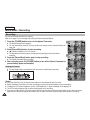
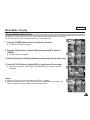
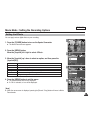
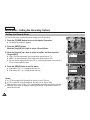
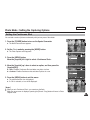
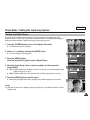
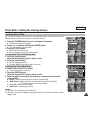
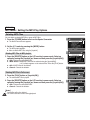
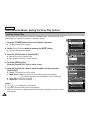
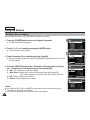
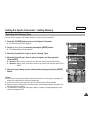
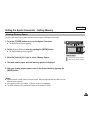
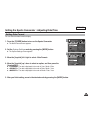
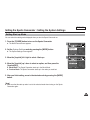
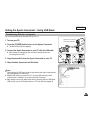
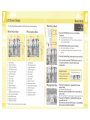
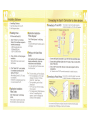
1. Press the [POWER] button to turn on the Sports Camcorder.
Recording...
◆ The Movie Record screen appears.
S
Sepia
12:00AM 2006/01/01
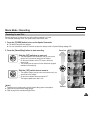
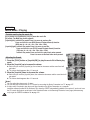
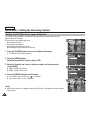
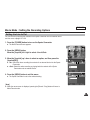
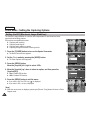
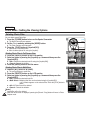
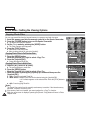
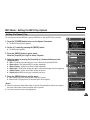
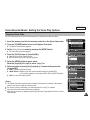
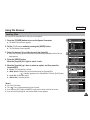
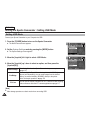
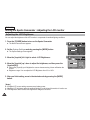
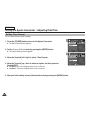
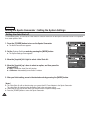
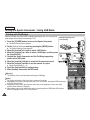
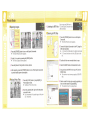
2. Press the [MENU] button.
Move the [Joystick] left / right to select <Digital Zoom>.
2
Movie
TV
PC
Digital Zoom
On
Off
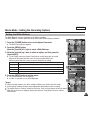
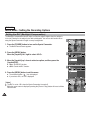
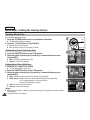
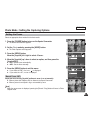
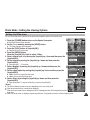
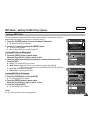
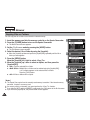
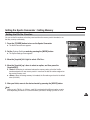
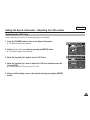
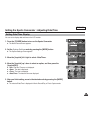
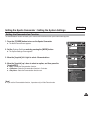
3. Move the [Joystick] up / down to select an option, and then press the
[Joystick(OK)].
Move
◆ <On>: Enables digital zoom. Attempts to zoom in more than 10x will automatically
apply digital zooming. (up to 100x)
3
◆ <Off>: Disables digital zoom. Only optical zoom 10x will be supported for zooming
Select
OK
MENU
Exit
MENU
Exit
Movie
TV
PC
Digital Zoom
On
Off
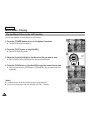
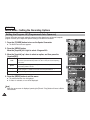
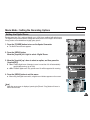
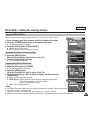
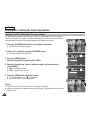
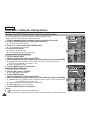
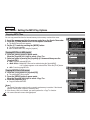
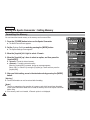
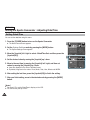
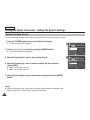
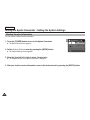
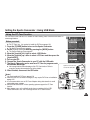
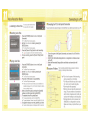
4. Press the [MENU] button to exit the menu.
◆ When using the digital zoom switch, a digital zoom indicator appears on the screen.
Move
4
OK
Select
STBY 00:00:00/00:40:05
W
720i
1X
F
[ Note ]
✤ While the menu screen is displayed, pressing the [Record / Stop] button will move to
Movie Record mode.
Recording...
10X
S
12:00AM 2006/01/01
T
Sepia
49