1
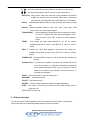
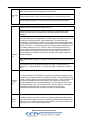
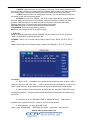
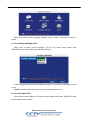
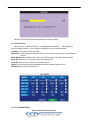
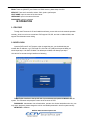
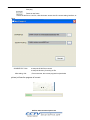
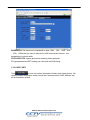
 DDNS: There are [ON/OFF], and if there is a DDNS service, please setup it as ON.
SERVICE: There are 3 serviceS to select, 3322, dyndns, perfecteyes.
HOST NAME: Input the name of the host server.
USERNAME: Input in the name of the user.
PASSWORD: Input the password.
IE OPERATION
3.1 FEATURE
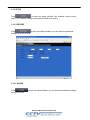
Through the IE browser of OS and install the software, you are able to do the network operation
remotely, which is much more convenient. DVR support C/S, B/S, and visit in LAN and WAN, also
support IP and domain name visiting.
3.2 USER LOGIN
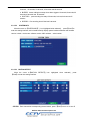
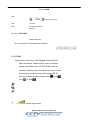
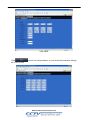
Input the DVR local IP in IE browser, when changed the port, you should add the port
number after IP address, e.g. if DVR local IP is 192.168.3.97 (LAN) and the port is 8088, you
should input http:// 192.168.3.97:8088. The default port is 8088, and directly input http://
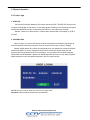
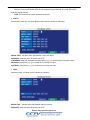
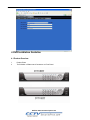
192.168.3.97 to access the login interface as following,
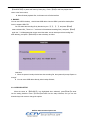
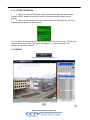
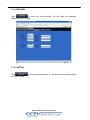
Select English interface in the top left side. Input username and password to enter into the
system. The username and passport is same as the ones set in DVR.
PASSWORD: Administrator has all authorities, operator has limited authorities who they can
only watch, playback, please change the unit No. and default password in time for system security.
NETWORK: LAN/WAN
Website: www.CCTVSecurityPros.com