1
AirPrime UMTS / LTE MC/SL-Series Extended AT Command Reference
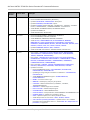
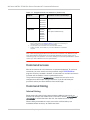
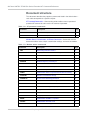
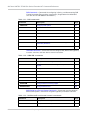
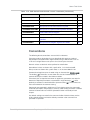
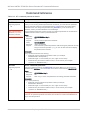
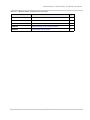
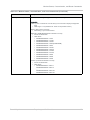
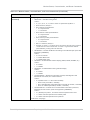
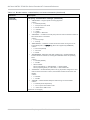
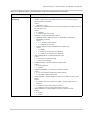
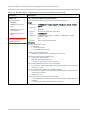
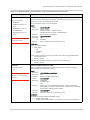
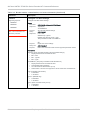
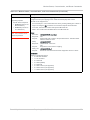
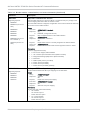
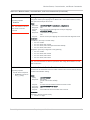
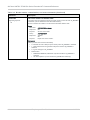
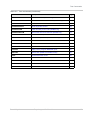
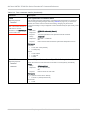
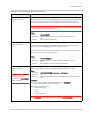
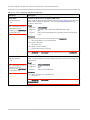
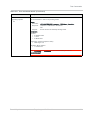
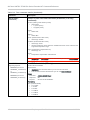
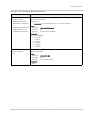
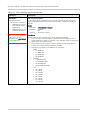
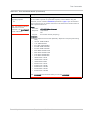
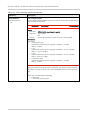
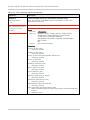
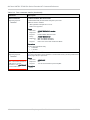
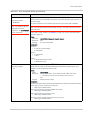
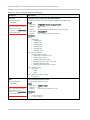
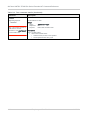
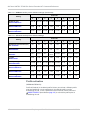
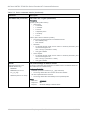
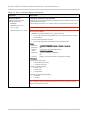
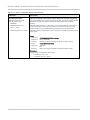
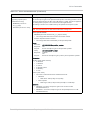
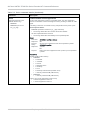
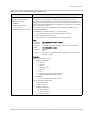
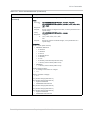
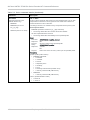
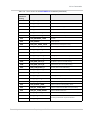
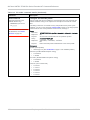
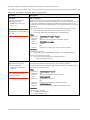
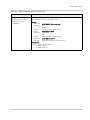
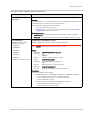
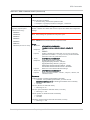
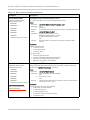
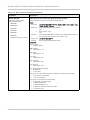
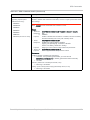
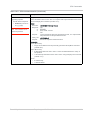
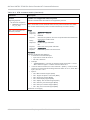
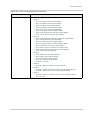
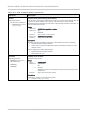
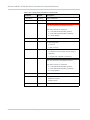
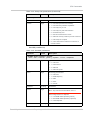
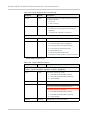
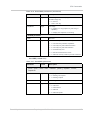
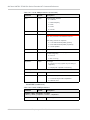
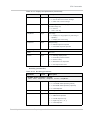
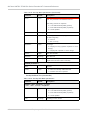
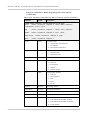
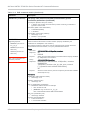
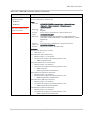
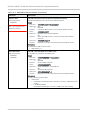
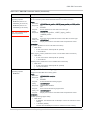
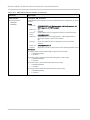
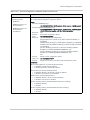
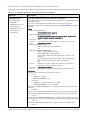
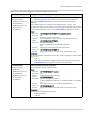
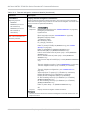
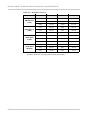
Table 1-1: Supported AirPrime modules a (Continued)
Device
Firmware revision (minimum) b
MSM6290
MC8790/
MC8790V
MC8791V
MC8792V
MC8795V
K1_0_2_8ap
QSC6270
SL8080
SL8081c
SL8082
SL8083c
SL8084
SL8985c
S1.0
S2.0 (Voice/GPS devices)
Chipset
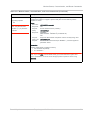
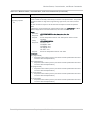
a. Changes made to this document after a device reaches end-of-life may not
apply to that. Refer to the Revision History on page 5 for a summary of
changes made in recent releases of this document.
b. Any exceptions are indicated in the command detail sections.
c. SL8081, SL8083, and SL8085 may use either MDM6270 or QSC6270
chipsets.
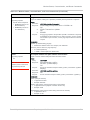
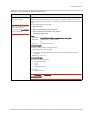
Note: When designing applications that use these AT commands, use Watcher™ (and
other Sierra Wireless applications) as functionality templates to ensure proper use of
command groups. For questions or concerns relating to command implementation, please
contact your Sierra Wireless account representative.
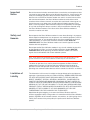
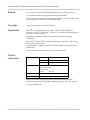
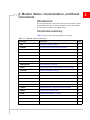
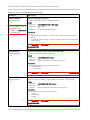
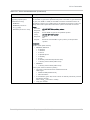
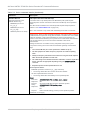
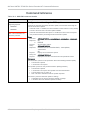
Command access
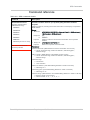
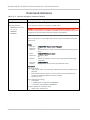
Most of the commands in this reference are password-protected. To use these
commands, you must enter the correct password using AT!ENTERCND on
page 28. Once the password is entered, all commands are available and remain
available until the modem is reset or powered off and on.
The password assigned to AT!ENTERCND is unique to each carrier and is
configured onto the modem during manufacture. If you do not know your
password, contact your Sierra Wireless Account Manager.
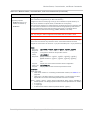
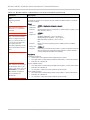
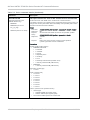
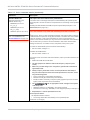
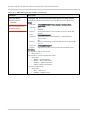
Command timing
Interval timing
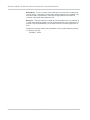
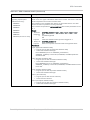
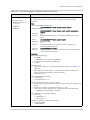
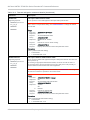
Some commands require time to process before additional commands are
entered. For example, the modem returns OK when it receives AT!DAFTMACT. If
AT!DASBAND is received too soon after this, the modem returns an error.
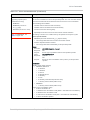
When building automated test scripts, ensure that sufficient delays are
embedded, where necessary, to avoid these errors.
14
Proprietary and Confidential
2130616